
Deployment guide
Put your app online
One tap gives your app a free web address with HTTPS. Add your own domain whenever you like, and keep a copy of your code on GitHub.
Put it online
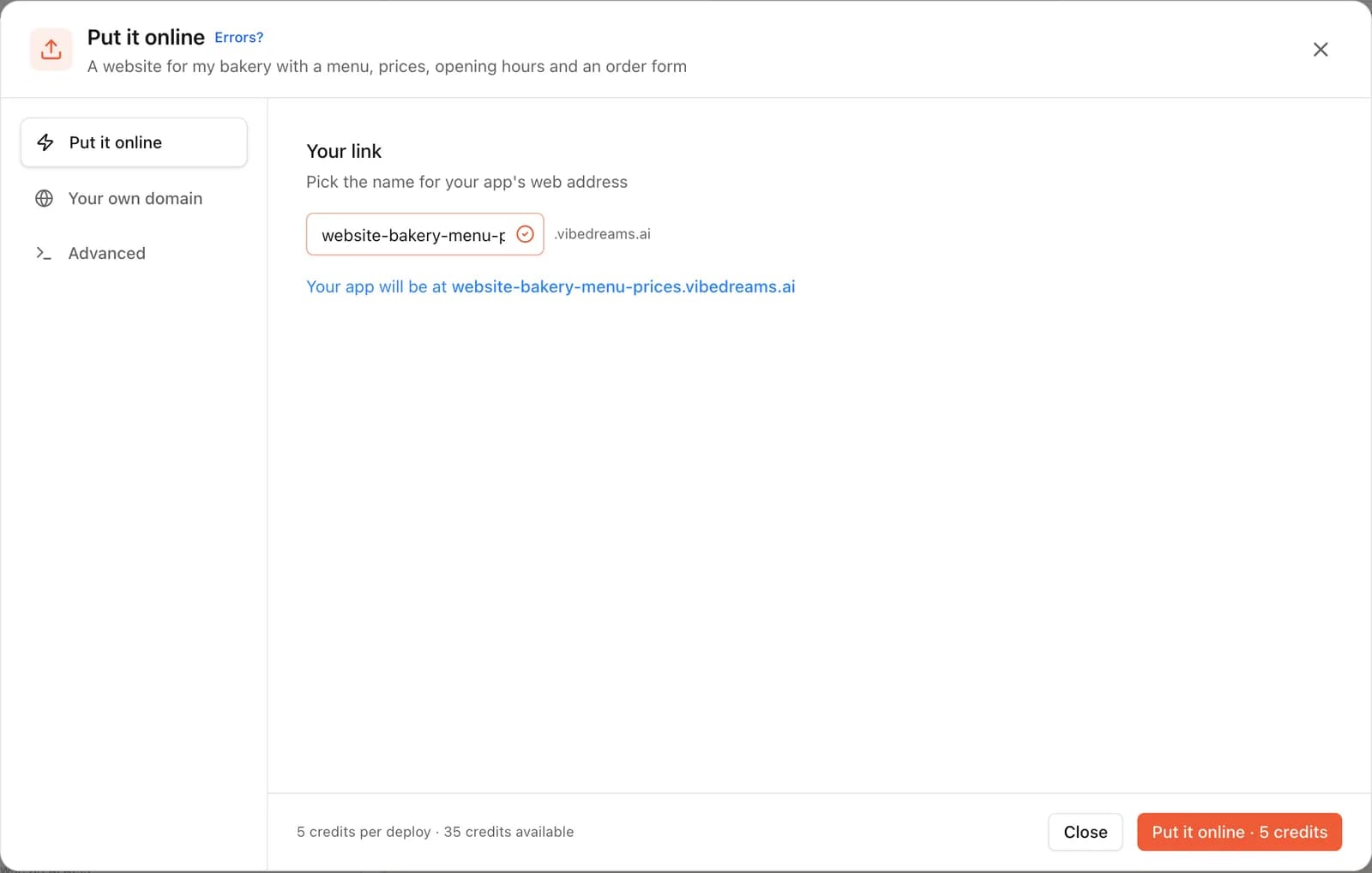
- Open your project and tap Put it online at the top right.
- Pick the name for your web address. Your app will live at something like
your-app.vibedreams.ai. - Press Put it online · 5 credits. It usually takes 1 to 3 minutes, and you can keep the window open to watch.
- When it's live, copy the link or scan the QR code to open it on your phone.
Your live site stays on this version while you keep changing things in the preview. When you're ready, open the same window and press Update it. Each update costs 5 credits. Hosting and HTTPS are included in your plan.
Didn't go online?
Use your own domain
Put your app online first. Then open Put it online, switch to Your own domain and enter a domain you own, like www.mybusiness.com or app.mybusiness.com. VibeDream shows you two records to add:
- TXT: proves you own the domain.
- CNAME: points the domain to your app.
- Log in where you bought your domain (GoDaddy, Namecheap, Google, Cloudflare and so on).
- Open the DNS settings for your domain.
- Add each record below exactly as shown. Tap a value to copy it.
- Save. We check automatically, usually within 5 to 30 minutes.
Once both records show as found, HTTPS is switched on automatically and your app opens on your domain.
Root domains
mybusiness.com aren't supported yet. Use www.mybusiness.com and ask your domain provider to forward the root to www.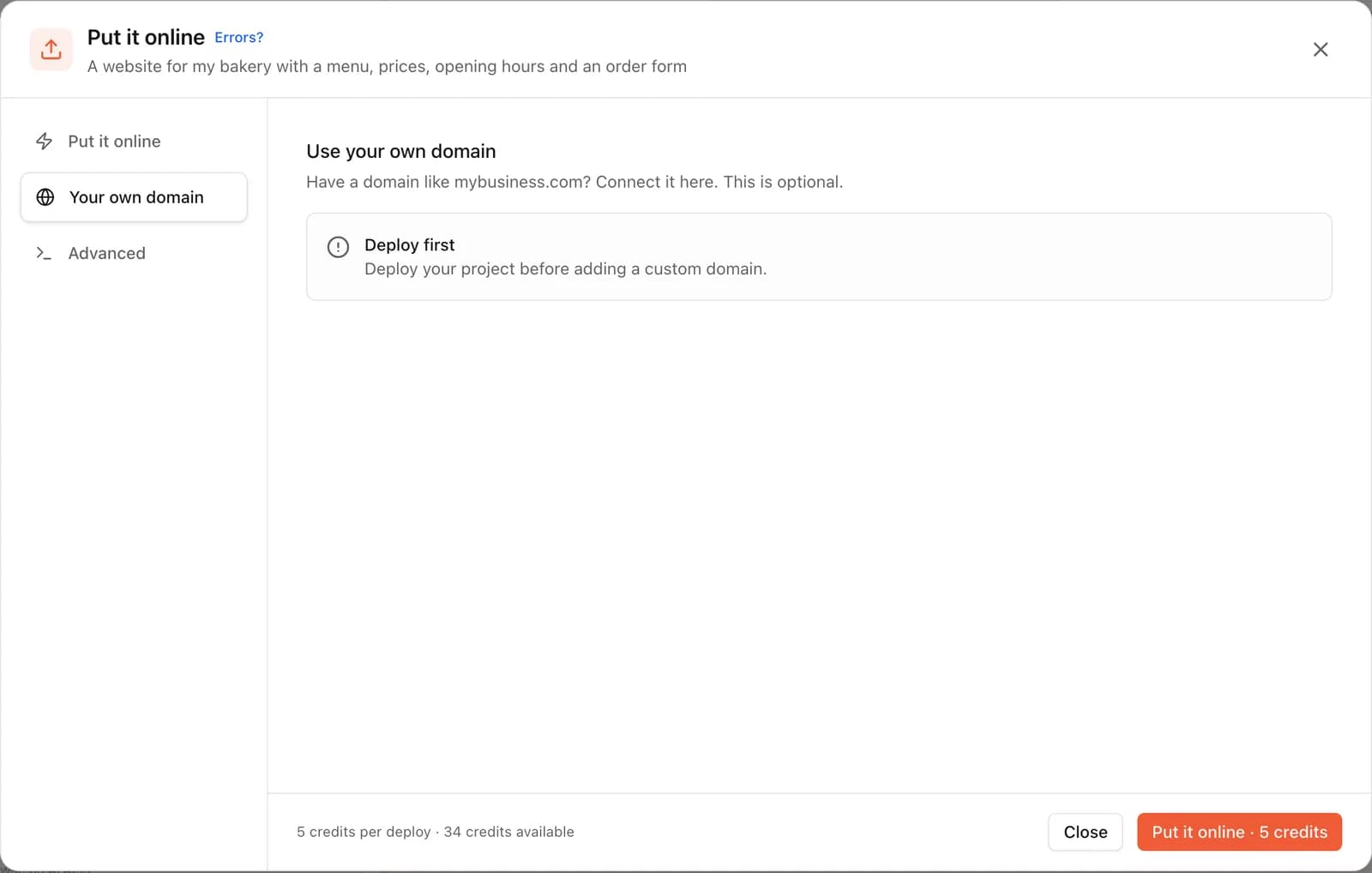
Add API keys before you go live
If your app talks to another service, like an email sender or an AI model, add its key in the Settings tab (the gear above the preview) before you put it online. Read the API keys and settings guide.
Keep your code on GitHub (optional)
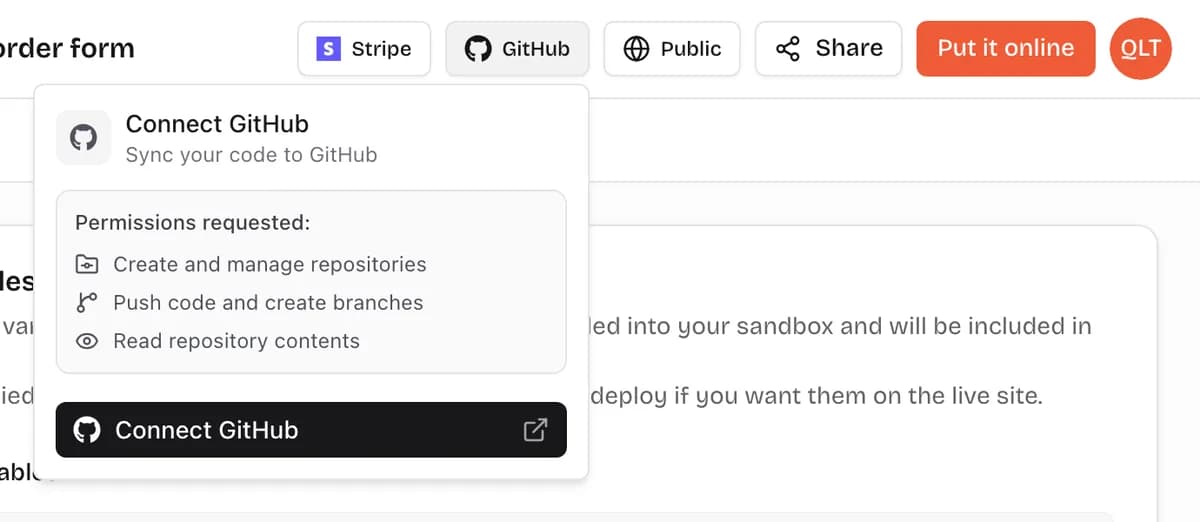
- Open your project on a computer and tap GitHub at the top.
- Press Connect GitHub and approve access in the GitHub window.
- Back in VibeDream, open GitHub again and press Push to GitHub. VibeDream creates a repository for the project.
- Press Sync to GitHub whenever you want GitHub to have your latest changes.
Prefer a file? Use Export, then Download ZIP, above the preview. The code is yours to host anywhere.
Common questions
How much does putting my app online cost?
5 credits each time you put it online or update it. Hosting, HTTPS and your vibedreams.ai address are included in your plan.
Why can't I use my root domain (mybusiness.com)?
Root domains aren't supported yet. Use www.mybusiness.com or a subdomain like app.mybusiness.com, and set your domain provider to forward the root domain to www.
My domain still says Waiting. What now?
DNS changes usually show up within 5 to 30 minutes, sometimes longer. Check that the TXT and CNAME records match exactly what VibeDream shows, with no extra dots or spaces. We keep checking for 72 hours.
Do I need to put it online again after every change?
Yes. Your live site stays on the last version you put online. When you're happy with changes in the preview, open Put it online and press Update it.
It didn't go online. What should I do?
Copy the error from the Put it online window, paste it into the chat and the AI will fix it. Then try again.
More guides
- Getting startedDescribe an app or game and watch it come to life.
- TemplatesStart from a ready-made page and change anything.
- API keys and settingsAdd keys your app needs, safely.
- File uploadsLet people upload images, documents and videos.
- Video guidesShort walkthroughs of each step.
- What is vibe coding?The idea behind building by describing.
- Get helpTalk to a real person about your project.
Need a hand?
If your app or domain won't go live, a real person can look at it with you.