
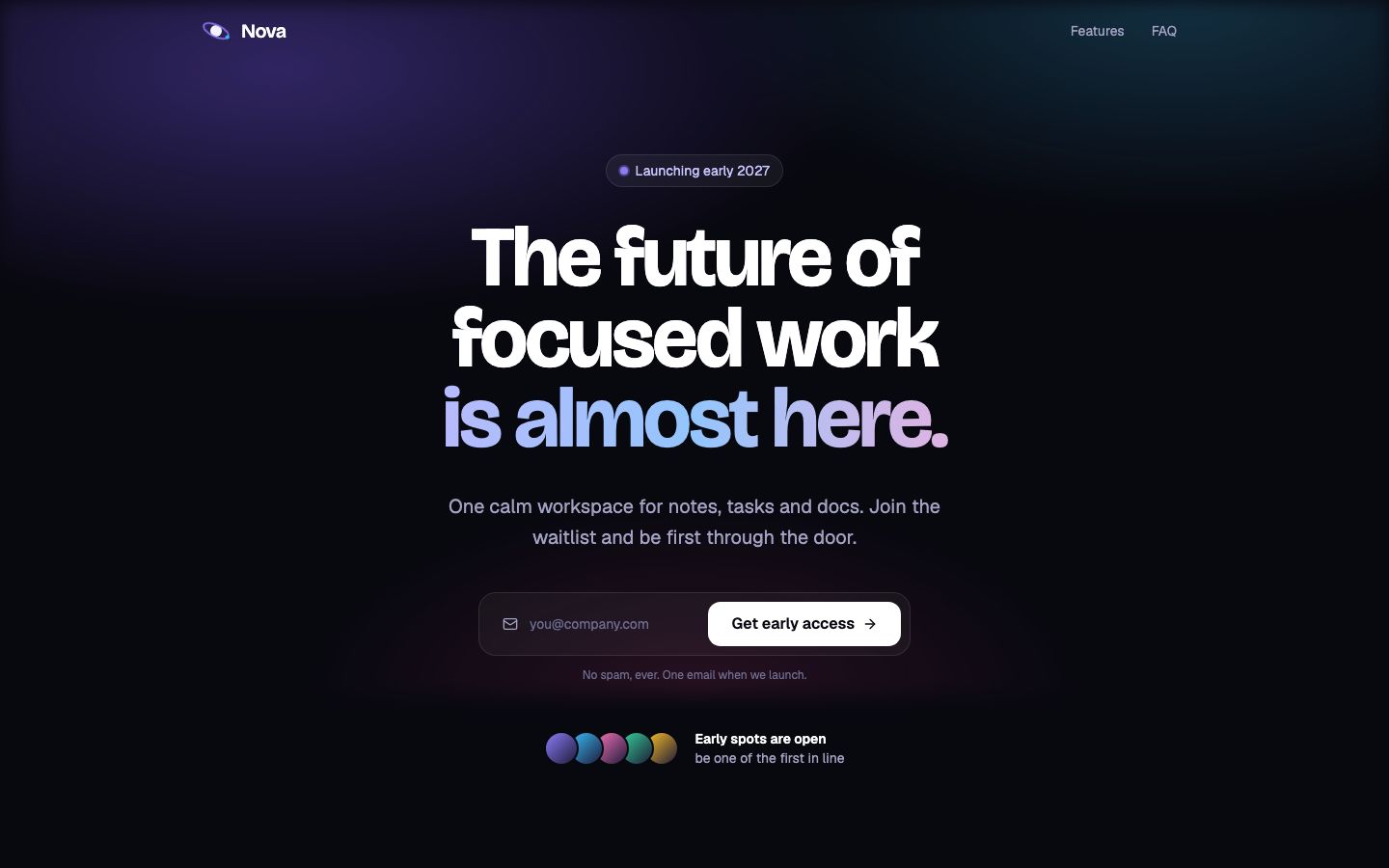
Most people open the Lovable AI website builder for one job, and it is very good at it: a polished landing page with a working sign-up form, built by chatting, for a few dollars of credits. It gets weaker as the project turns into an app with real traffic, because hosting, the database and building all spend from one credit balance. If you want a marketing page or waitlist that looks designed rather than generated, Lovable is one of the safest picks. If you want a Python backend or flat hosting costs, look elsewhere.
This review follows a single project, a launch page for a language-learning app with a waitlist, from the first prompt to a public address on your own domain. Every credit figure below comes from the examples Lovable publishes on lovable.dev/pricing, and every plan detail from docs.lovable.dev. Checked Oct 2026. These are estimates built from Lovable's numbers, not a log of a timed build, because Lovable's per-task cost changes with the model and the size of the project.
Step one, the first prompt
You start in a chat box. A prompt like the one below is about as detailed as a first message needs to be. Lovable writes a React project, shows it in a preview beside the chat, and usually picks a tasteful type scale and spacing without being told. That design sense is the main reason people choose it over Bolt.new or Base44.
A landing page for Lingo Loop, a language-learning app for busy adults. Hero with a headline and a phone mockup, three benefits, a short FAQ and a waitlist form that asks only for an email. Calm colours, lots of white space.Lovable's own example, "Build a landing page with images", costs 2.00 credits and creates a landing page with generated images, a theme and sections. Lovable calls its examples illustrative, so a first version of this waitlist page lands somewhere around 2 credits.
Step two, a round of small edits
Nobody ships the first draft. You will change the headline, swap a colour, shorten the FAQ and move the form higher. Lovable prices these at the small end. Its examples are 0.50 credits for "Make the button gray" and 0.90 for "Remove the footer". Ten edits of that size cost roughly 5 to 9 credits.
Two habits keep this cheap. Batch related changes into one message, and use Plan Mode only for changes you want to think through, since each Plan Mode message costs a flat 1 credit while Default Mode charges by task complexity. On paid plans you can also edit the code yourself for a one-word fix, which costs nothing.
Step three, making the form actually save emails
A waitlist form that does nothing is the classic AI-builder trap. In Lovable the fix is Lovable Cloud, the built-in backend that the docs say is built on Supabase's open-source foundation. Ask for sign-ups to be stored and Lovable creates a table and wires the form to it. Add a private page that lists sign-ups and you also need a login, which Lovable's own example prices at 1.20 credits for "Add authentication with sign up and login".
Budget 3 to 5 credits for the form, the table, the login and a simple admin list. That brings the whole build to somewhere around 10 to 16 credits, which fits inside two or three days of Free plan credits.
Step four, going public is where Free stops
This is the step the Free plan does not cover. On Free you get 5 build credits a day, capped at 30 a month, and you can publish only to invited people, up to 10 per project. There is no custom domain, the Edit with Lovable badge stays on, and you cannot edit or download code inside Lovable, although Git sync to GitHub, GitLab or Bitbucket works on every plan.
So a public waitlist means Pro. The entry tier is $25 a month for 100 credits, or $21 a month billed yearly. Pro also keeps the 5 daily build credits with no monthly cap, adds rollovers and top-ups, removes the badge and adds custom domains. For this project you would finish with most of the 100 credits unused, which is the honest picture for a single landing page: you pay for the publishing rights more than for the building.
Step five, the running cost nobody quotes
Once the page is live, it keeps spending. Lovable Cloud usage is charged from the same balance as building: database and storage, network traffic, file storage, compute and realtime messages all count. Every plan gets a monthly grant of 20 Cloud credits and 4 credits for AI features inside your app, and Lovable says small apps usually stay inside that.
A waitlist with a few hundred visits will. A page that goes viral, or an app that grows into a product, draws on the credits you meant to build with. Paid users can resize the database and see an estimated monthly cost per size before switching, which is helpful, but there is no flat hosting price to plan around. Monthly plan credits also expire two months after they are issued, so you cannot bank a quiet month for a busy launch.
The security question you should ask any builder
On May 30, 2025 the US National Vulnerability Database published CVE-2025-48757: an insufficient row-level security policy in Lovable through April 15, 2025 let remote unauthenticated attackers read or write arbitrary database tables of generated sites. The listed CVSS 3.1 score is 9.3, critical. The entry is marked disputed, because Lovable's position is that each customer is responsible for protecting their own app's data.
We do not think this rules Lovable out. It is a reminder that a generated backend is still a backend. Before real people sign up, ask the builder to explain who can read each table, sign in as a second test user and try to see the first user's data. That check takes ten minutes on any platform, Lovable included.
Where VibeDream lands on the same project
We make VibeDream, so read this part with that in mind. For this exact page Lovable is cheaper: VibeDream has no free plan and starts at $49 a month for 60 credits on All Access Mini. Where VibeDream differs is the backend and the hosting bill. Each app gets a FastAPI server in Python that you can read in the code editor, putting the app online costs 5 credits each time you publish, and hosting is included under a fair usage policy instead of drawing on credits as traffic grows.
Your own domain works with a TXT and a CNAME record on a www or subdomain address, with HTTPS set up for you. Root domains are not supported yet. Built-in login and database work with one tap, so you can put a waitlist's signup list behind a login. One-tap payments are coming soon. The closest starting point on VibeDream is the Aesthetic Waitlist template, and the deployment guide shows the domain steps.
Our call on Lovable
- Pick Lovable if you want a landing page, waitlist or marketing site that looks professionally designed, and you are happy on a JavaScript stack with Supabase underneath.
- Pick Lovable's Free plan to judge the design quality before paying, but plan on Pro the day you want a public URL.
- Pick something else if you want a Python backend you can read, a hosting cost that does not move with traffic, or games as well as apps. That is where VibeDream fits.
- Pick a native tool such as FlutterFlow or Rork if the goal is an App Store listing. Lovable builds web apps.
- Pick an AI editor such as Cursor if you write code and want the AI inside your own repository.