
Bolt.new is an AI tool from StackBlitz that writes a complete web project from a chat and runs it live in your browser tab. This Bolt.new review comes down to one sentence: it is one of the quickest ways to get a JavaScript prototype running, the free tier is real, and the bill climbs as your project gets bigger, because every change costs more tokens in a larger codebase. If you plan to grow one app for months, read the token section before you pay.
Sources for this review are bolt.new/pricing and Bolt's help center at support.bolt.new, both checked Oct 2026. There is no timed build log here. The test prompt near the end is one you can run yourself.
What is Bolt.new, in plain terms?
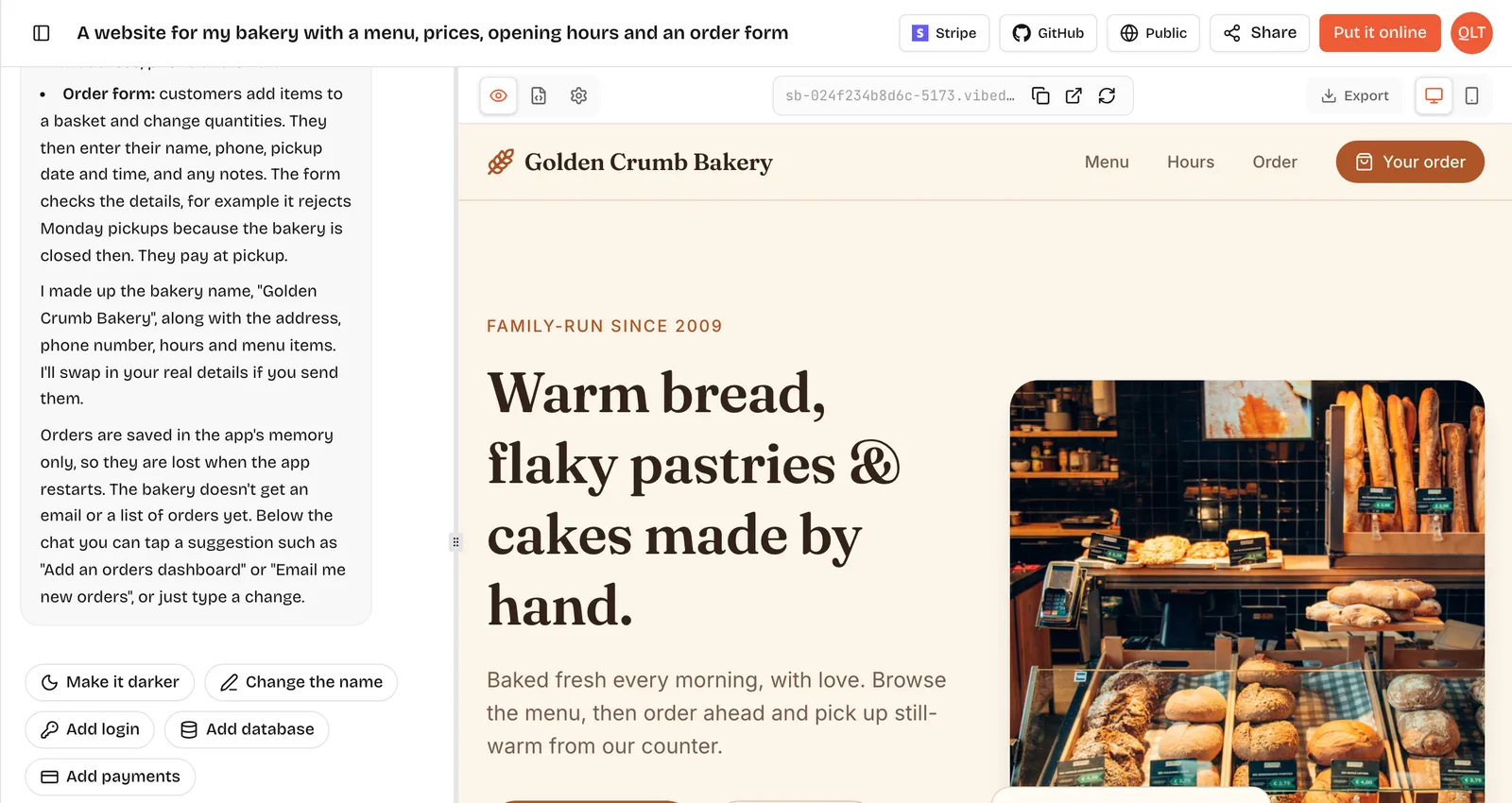
You type what you want. Bolt writes the files, installs packages and starts the app, and a preview appears beside the chat. The trick behind it is WebContainers, StackBlitz's technology for running a Node.js environment inside the browser, so nothing is installed on your computer. A Code view sits next to the preview, and you can open and edit any file there.
Each later message is a change request. Bolt reads the relevant parts of the project, decides what to edit and rewrites those files. That loop is fast and satisfying on a small app. It is also the source of the main complaint, which we get to below.
Who is Bolt.new actually good for?
- Founders who want a clickable prototype to show investors or early users this week.
- Developers who like watching the code appear and stepping in by hand when the AI goes wrong.
- Landing pages, dashboards and small CRUD apps written in JavaScript or TypeScript.
- Anyone who wants to try AI app building without a card, since the Free plan needs none.
It is a weaker fit for a large product you will iterate on daily for months, and for anyone who needs Python on the server.
What does Bolt.new cost in October 2026?
- Free, $0: 1M tokens a month with a 300K daily cap, hosting, 10MB uploads, Bolt branding on your site and no custom domain.
- Pro, $18 a month billed yearly ($216 a year): 10M tokens a month, no daily cap, rollover, custom domains, branding removed, 100MB uploads.
- Teams, $27 per member a month billed yearly: Pro features plus central billing and team access controls.
- Enterprise: custom contract, billed by consumption.
The pricing page leads with yearly prices, so check the monthly figure at checkout if you do not want to commit for twelve months. The full arithmetic on what those token numbers buy is in our Bolt.new pricing guide.
Why do Bolt tokens run out faster as a project grows?
Bolt's help center is unusually frank about this. It says most token use comes from Bolt reading, understanding and syncing your project files. So the price of a request is not fixed. Asking for a new button on a three-file prototype is cheap. Asking for the same button two weeks later, when the project has forty files, makes Bolt read much more before it writes anything.
In practice this shows up as a project that felt generous in week one and tight in week three. The workaround Bolt recommends is to keep projects lean and write clear, specific requests. Splitting a big idea into smaller projects also helps, though it is not always practical.
Can Bolt build a backend, logins and a database?
Yes. Bolt Cloud gives a project a database, user sign-ins, file storage and server functions without a separate account, and hosting is included even on Free. On Pro and Teams you can connect Supabase instead.
One detail matters on day one. Bolt's docs say there is no supported way to move an existing Supabase-backed project onto Bolt Database. The other direction is possible: on Pro or Teams you can claim a Bolt database into your own Supabase account. Bolt also warns that using Connect on a project that already has a Bolt database replaces that connection and can lose data, so use Claim. If you think you will want Supabase's own tools later, starting on Bolt Database and claiming it is the safer order.
Can Bolt run Python?
Bolt is built around Node.js running in WebContainers, and its server functions are JavaScript or TypeScript. If your app depends on a Python library, for data processing, a scientific package or an existing Python script, plan to host that part somewhere else and call it from the Bolt app. For most landing pages and CRUD tools this never comes up.
What happens when the tokens run out?
On Free, you hit either the 300K daily cap or the 1M monthly cap. Daily tokens reset every day and do not carry over. Monthly tokens reset on the 1st of the calendar month. Free plans cannot buy top-ups. The help center confirms one useful escape hatch: you can still edit existing code by hand in Code view, which uses no tokens, even after the cap.
On paid plans, unused monthly tokens roll over and stay valid for two months. Extra token reloads are sold only on the highest monthly Pro tier and on annual Pro plans, and reloaded tokens do not expire. If you cancel, every token, rollover included, is gone when the billing cycle ends, unless you resubscribe before they expire.
Is a Bolt app safe to launch?
Bolt's security page says it follows row level security best practices as far as the application allows, and offers an automatic review you switch on once so every app is checked before it goes live. That is a good default. It is still not a guarantee. Before real users sign up, create two test accounts and check that one cannot see the other's data. That two-minute test catches the most common mistake in AI-built apps on any platform, including ours.
How does Bolt compare with VibeDream for the same app?
They overlap on the front end. Both write React apps from a chat and show a live preview. The differences are in the server and the bill.
- Server code: Bolt uses Node.js with Bolt Cloud. VibeDream gives every app a FastAPI backend in Python that you can read in the built-in code editor.
- Accounts and data: Bolt Cloud sign-ins and databases work today, and so do VibeDream's one-tap login and database. VibeDream's one-tap payments are coming soon.
- Publishing: Bolt hosting is included on every plan. VibeDream's Put it online costs 5 credits each time you publish or update, with hosting, HTTPS and a your-app.vibedreams.ai address included on paid plans.
- Games: VibeDream also builds browser games with Phaser.
- Price: Bolt starts at $0 and Pro is $18 a month billed yearly. VibeDream has no free plan and starts at $49 a month for 60 credits.
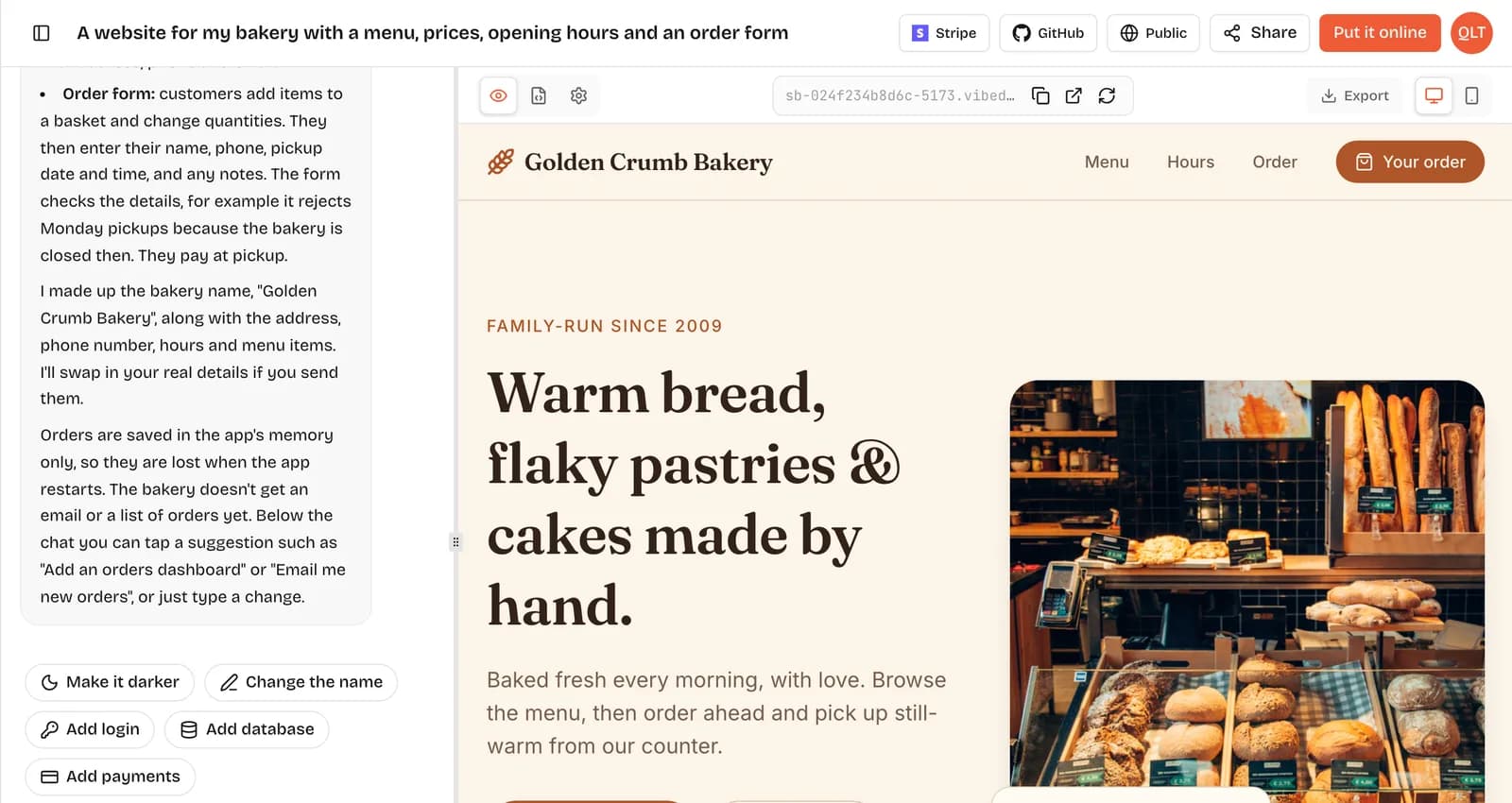
Run this prompt on both and write down the token or credit count before and after each step:
An invoice tool. I add clients, create invoices with line items and tax, mark them paid, and see a list of unpaid invoices. Then: add a due date. Then: show overdue invoices in red.The first version tells you little. The two follow-ups tell you how each pricing model treats a project that keeps growing, which is the real cost of owning an app.
Should you pay for Bolt Pro?
- Pay for Pro if you have one JavaScript project you work on most days, you want it on your own domain, and you can live with the yearly commitment.
- Stay on Free if you are prototyping or learning. The daily cap is a nuisance, not a wall, because hand edits in Code view are free.
- Pick Lovable if you want the closest experience with a different credit model. See the Lovable review.
- Pick v0 if the job is mostly interface work that a developer will deploy on Vercel. See the v0 review.
- Pick VibeDream if you want Python on the server and publishing on a fixed 5 credits per update. Plans are on the pricing page.