
The difference between low-code and no-code is who does the building. No-code platforms are made for people who will never write code: everything happens in a visual editor. Low-code platforms are made for developers and IT teams: most of the app is visual, but you can drop into real code for the hard parts. No-code is faster to learn; low-code goes further before it hits a wall.
A third option now sits beside both: AI app builders, where you describe an app in plain language and get real source code back. We cover where they fit further down.
The difference in one list
- Main user: no-code is for founders, marketers and operations staff; low-code is for developers, IT teams and technical analysts.
- How you build: no-code is visual only; low-code is visual plus scripts, custom components and API code.
- Learning curve: no-code takes days; low-code takes weeks, and helps if you already code.
- Flexibility: no-code stops at what the blocks allow; low-code is high, because code fills the gaps.
- Typical apps: no-code builds websites, simple web apps, forms and automations; low-code builds internal tools, workflow apps and enterprise systems.
- Governance: no-code is light; low-code often has roles, audit logs and deployment environments.
- Who buys it: no-code is bought by individuals and small teams; low-code is often bought by a company IT department.
Who uses low-code
Low-code grew up inside companies. An IT team gets a hundred requests for small internal apps, such as an expense approval flow or a stock dashboard, and cannot hand-code them all. Low-code lets one developer build each in days instead of weeks, using visual screens wired to company databases, with code where the rules get complicated.
Well-known low-code platforms include Microsoft Power Apps, OutSystems, Mendix and Retool. They tend to integrate with corporate logins, databases and permission systems, and they are usually sold to businesses rather than individuals, often with pricing per user or per app. Check each vendor's current terms, since these change.
Who uses no-code
No-code is for people who know what they need and do not want to learn programming to get it. A founder testing a marketplace idea, a coach building a booking site, an operations manager automating a weekly report.
Familiar no-code platforms include Bubble for web apps, Webflow and Framer for websites, Glide and Softr for apps on top of spreadsheets or databases, Airtable as a friendly database, and Zapier and Make for automations. Most have a free tier and paid plans that grow with usage. Bubble, for example, lists a free plan and paid plans from $59 a month billed yearly on its pricing page (checked Oct 2026).
Two examples, side by side
A refund approval tool for a 200-person company: low-code is the usual pick. It needs single sign-on, a link to the finance database, an approval chain with roles and an audit trail. A developer builds the screens visually and writes a few scripts for the edge cases, and IT manages it with everything else.
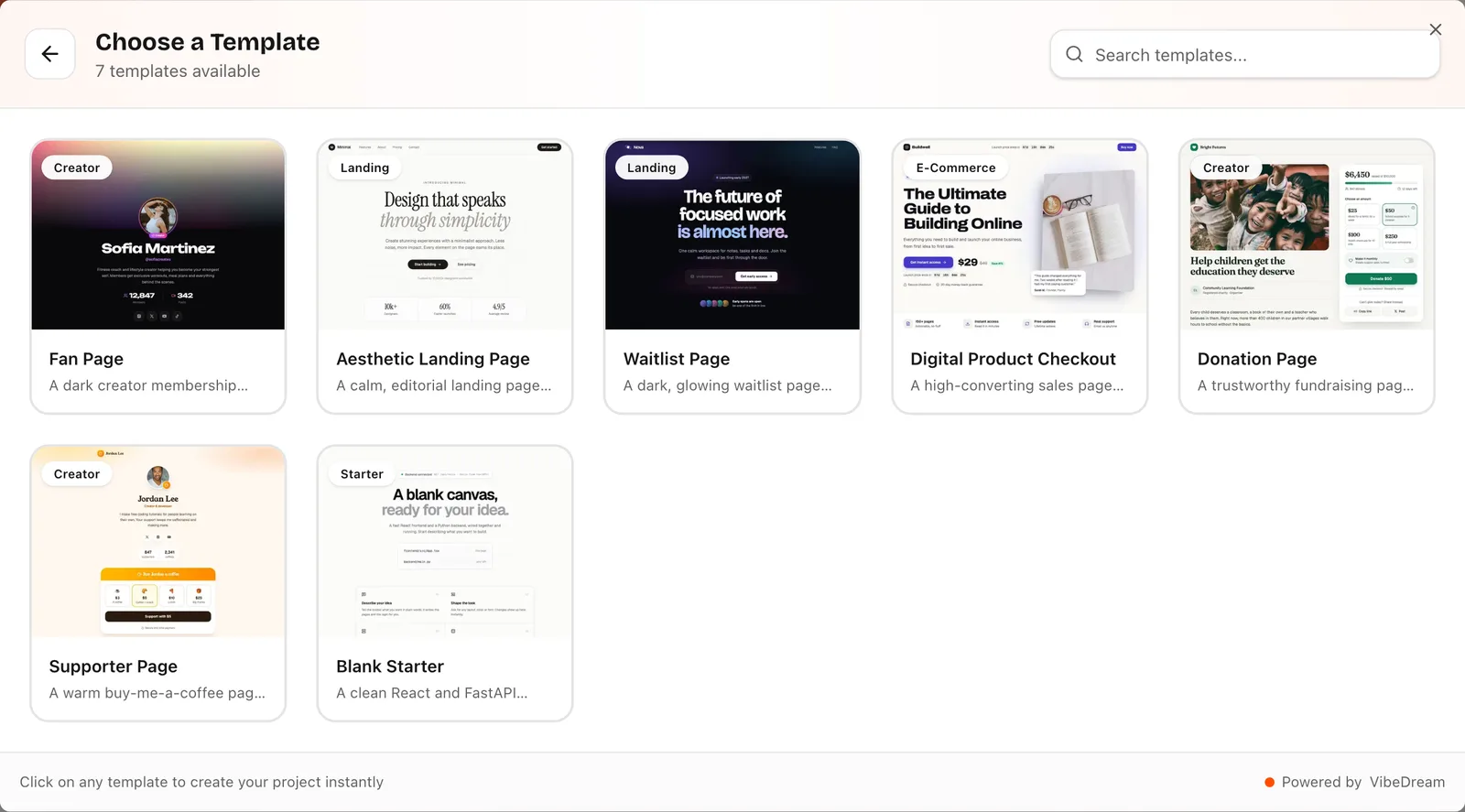
A waitlist and launch page for a solo founder: no-code, or an AI builder, is the usual pick. It needs a nice page, an email form that saves signups and a live count. Nobody needs roles or audit logs. On VibeDream, the Aesthetic Waitlist template does exactly this out of the box, and you change the copy by chatting.
Where AI app builders fit
AI app builders take the input style of no-code, plain language instead of code, and produce the output of traditional coding, which is real source code. You describe the app, try it in a live preview and steer it with follow-up prompts. People call this vibe coding.
- Compared with no-code: usually faster to a first version, and you can export the code, but you steer by prompt rather than exact clicks.
- Compared with low-code: less governance and fewer enterprise integrations, but no visual editor to learn, and the code is ordinary code a developer can pick up.
VibeDream, for example, builds apps as React + FastAPI and games with Phaser, publishes them to a vibedreams.ai address with HTTPS, and lets you add your own domain with a TXT and a CNAME record. You can download the project as a ZIP or sync it to GitHub. It builds web apps that work on phones, not native app store apps.
Cost and lock-in
The plan price is the smallest part of the bill. What grows is everything metered around it.
- No-code often meters usage, such as records, workload, tasks or runs. A busy app costs more each month.
- Low-code is often priced per user or per app, which adds up across a company.
- Both usually keep your app inside the platform. Moving means rebuilding, though you can usually export your data.
- AI app builders charge for AI work while you build, through credits or tokens, and hosting is often included. On VibeDream, plans start at $49 a month and each publish or update costs 5 credits. Because you can export the code, leaving does not mean starting over.
Ask every vendor the same three questions: what does it cost at 10 times my expected use, can I export my data, and can I export the app itself?
Four myths worth dropping
Myth one, no-code is only for toys. Plenty of real businesses run on no-code apps for years. The limits are real, but they are about flexibility and lock-in, not about whether the thing can serve paying customers.
Myth two, low-code means you do not need developers. Low-code makes developers faster; it does not remove them. Someone still has to design data, write the tricky rules, review security and keep the app working when connected systems change. Companies that buy low-code to replace their IT team tend to end up with a tangle of half-finished apps.
Myth three, AI builders make both obsolete. AI builders are very quick for first versions and custom ideas, and you keep the code. But a company with strict audit requirements may still prefer a low-code platform with roles and approvals built in, and a designer who loves visual control may still prefer Webflow. They are tools for different moments.
Myth four, you have to pick one forever. Many teams mix them. A no-code site for marketing, a low-code internal tool for operations, and a vibe-coded app for the product itself is a perfectly normal setup. The skill is knowing which part of your business each tool should own, and keeping data in places you can export.
Decision checklist
- You are not a developer and want something live this month: no-code or an AI app builder.
- You are a developer or IT team building internal tools with company logins and roles: low-code.
- You need exact visual control and like editors: no-code.
- You want real code you own and can hand to a developer later: AI app builder.
- You need native mobile apps: pick a platform that publishes to the app stores, and check that before anything else.
- You expect heavy usage: price the success case on each option.
- You must meet strict compliance rules: low-code with enterprise features, or a custom build reviewed by your security team.