
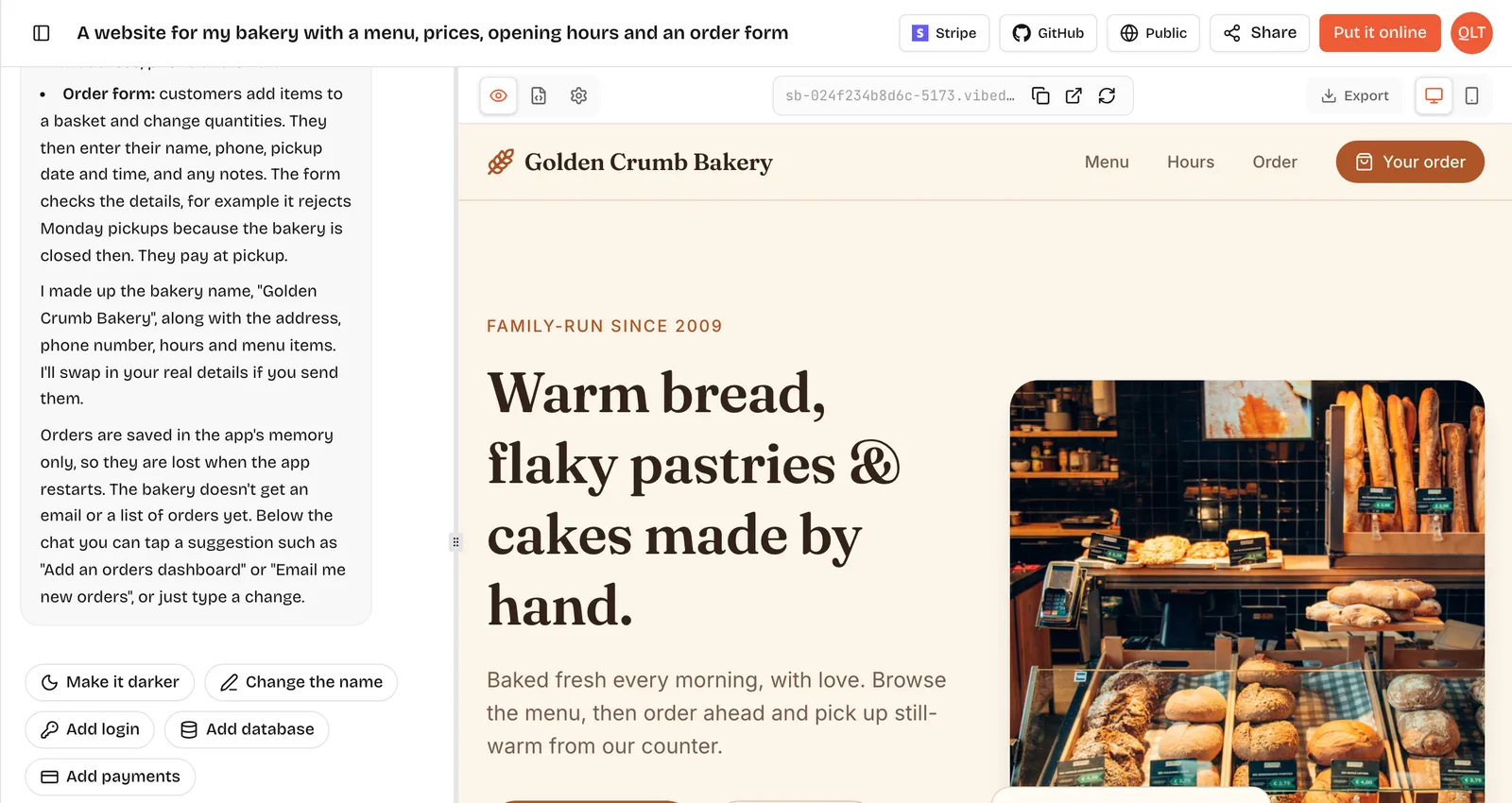
Vibe coding vs no-code is a choice between talking and clicking. With vibe coding you describe what you want and an AI writes real source code that you can keep. With no-code you assemble the app yourself from a platform's visual blocks, and the app lives inside that platform. Vibe coding is usually faster to a first version and easier to take elsewhere; no-code gives you more predictable control over each screen once you have learned the editor.
Definitions in plain words
Vibe coding: you write a prompt such as "a directory of local plumbers with a search box and a contact form", look at the result in a preview, and steer it with more prompts. The output is ordinary code, for example React for the screens and FastAPI for the server on VibeDream. The term was coined by Andrej Karpathy in early 2025.
No-code: you use a visual editor to place elements, connect them to a built-in database and define workflows such as "when this button is clicked, create a record". Bubble, Webflow, Glide and Softr are well-known examples. You never see code, and the app runs on the vendor's servers.
Many no-code tools now generate a first draft with AI, so the two are drifting closer. The split that still matters is what you hold at the end: source code you own, or a project that only runs inside one platform.
Side by side
- First version: vibe coding takes minutes from a prompt; no-code takes hours to days, faster if you start from a template.
- Learning curve: vibe coding needs clear writing and patience; no-code needs you to learn the editor, data types and workflows.
- Precise control: vibe coding is good, but by prompt, so tiny tweaks can take a few tries; no-code gives exact control over each element.
- Code ownership: vibe coding gives you real source code you can export; no-code projects usually stay in the platform.
- Hosting: both usually include hosting in the plan.
- Pricing model: vibe coding tools charge credits or tokens for AI work; no-code tools charge by plan, often with usage limits. Bubble, for example, meters workload units.
- When things break: in vibe coding you paste the error and the AI fixes it, or a developer reads the code; in no-code you debug workflows in the editor or ask the community.
- Moving later: vibe-coded code runs anywhere that runs its stack; a no-code app is often rebuilt from scratch if you leave.
The same directory app, both ways
Picture a simple local directory: a list of businesses, a search box, a detail page and a "suggest a business" form that you approve before it goes live.
With no-code, say in Bubble, you create a Business data type with fields, design a repeating group for the list, add a search input wired to a constraint, build the detail page, add a form with a workflow that creates a pending record, and make an admin page that changes status. Each step is clear once you know the editor, and the first time through you spend much of the effort learning where things are.
With vibe coding on VibeDream, you write one prompt describing the four screens and the approval rule, check the preview, then fix details with follow-ups like "only show approved businesses on the public list" and "add a category filter". The app has a FastAPI backend that stores the submissions. When it works, Put it online gives it a vibedreams.ai address, and you can export the code or sync it to GitHub.
Neither path removes testing. In both cases you should log out and confirm the admin page refuses you.
When no-code wins
- You want pixel-level control and enjoy visual editors.
- Your team already knows the platform, or you hire from its freelancer community.
- You need a mature plugin ecosystem for a specific job.
- You need native mobile apps from the same tool. Bubble's pricing page says native mobile apps can be published to the iOS and Android app stores. VibeDream builds web apps, not native ones.
- You never want to see or think about code, even when something goes wrong.
When vibe coding wins
- Speed to a first working version matters more than perfect control.
- You want real code you can hand to a developer, host elsewhere or keep on GitHub.
- Your idea does not fit a platform's building blocks, such as a custom game or an unusual workflow.
- You describe things better in words or pictures than by dragging boxes. VibeDream also takes voice notes and screenshots.
- You want apps and small games from one tool.
Where traditional coding still wins
Neither approach replaces a development team for everything. Write code by hand, or hire people who do, when you have heavy compliance needs, high traffic with tight performance targets, deep integrations with old systems, or a product where the software is the core asset and needs years of careful upkeep. A common path is to vibe code the first version, prove people want it, then bring in a developer who starts from your exported code.
Five questions to settle it
If you are still unsure, answer these honestly. They decide most cases.
- Will you want to leave the platform one day? If there is any chance, for cost, investors or a developer hire, pick the route that gives you code. Rebuilding a working product from scratch is the most expensive way to change tools.
- How do you think? Some people sketch screens and like to place every box. Others explain ideas out loud. Use the tool that matches how your head already works, because you will spend hours in it.
- How custom is the idea? A form, a list and a dashboard fit almost any no-code platform. A game, an unusual calculator or a tool that mixes several services fits vibe coding better, since the AI is not limited to a menu of blocks.
- Who will maintain it? If a no-code agency or a teammate who knows Bubble will run it, that is a strong reason to stay visual. If you will maintain it alone with an AI, vibe coding keeps that loop short.
- Does it need the app stores? If yes, rule out tools that only build web apps, VibeDream included, or plan a web version first and a native one later.
A useful test is to spend one evening on each route with the same small feature, such as a signup form that saves emails. Whichever one you finish without frustration is probably the right one for you.
What each one costs
On VibeDream, plans start at $49 a month (All Access Mini, 60 credits) and All Access is $97 a month for 150 credits. Building uses credits and each Put it online or update costs 5 credits; hosting is included. There are no free signup credits.
Bubble lists a Free plan with 50K workload units a month, Starter at $59 a month billed yearly, Growth at $209 and Team at $549, all billed yearly.
Comparing them directly is tricky: vibe coding cost depends on how many prompts you need, and no-code cost depends on usage once the app is live. Estimate both for your own project before you pick.