
If you want to know how to make an app like Tinder, start with what members see. You need profiles with photos, a feed to swipe through, a rule that opens a chat only when two people like each other, and a safety system around all of it: age checks, reporting, blocking and someone who reads the reports. The swipe screen is a weekend of work. Keeping people safe and getting enough of them in one place for matches to happen is the actual product. That is why the practical first step is an invite-only web version for a single community, such as a running club or a university society, which you can build with AI and test in a month.
Core features
- Accounts and profiles: photos, name, age, a short bio, a few prompts or interests.
- Preferences and filters: who you want to see, age range, distance or group.
- The feed: one profile at a time with like and pass, in an order that feels fresh.
- Matching: when two people like each other, both are told and a chat opens.
- Chat: text messages between matches, with unmatch and report on every conversation.
- Safety: photo or identity verification, reporting, blocking, moderation tools and clear community rules.
- Account controls: pause, delete account and data, privacy settings.
The hard parts are safety and moderation
Dating and social apps carry real risk for their users. Fake profiles, harassment, scams and underage users are everyday work for a dating app's moderation team. Before you build, decide how you will handle each of these.
- Age: how will you keep under-18s out, and what will you do when someone reports one?
- Fake and scam profiles: verification steps, limits on new accounts, and a way to remove them fast.
- Harassment: block that takes effect instantly, report with a reason, and someone who reads reports.
- Photos: rules on what is allowed and how you review uploads.
- Data: profiles hold sensitive personal information. Collect only what you need, explain it in a privacy policy and let people delete their account.
- Law: privacy and online safety laws apply to dating apps in many countries. Get local advice before launching publicly.
Matching and the empty-room problem
At small scale the matching algorithm barely matters. What matters is density: enough active people in the same place that each person sees new faces. A city-wide launch with a few hundred users feels empty. A launch inside one community with a shared context, such as members of one climbing gym, works with far fewer people, because they already have something in common and the group can moderate itself. That is why a focused web MVP for one group is a sensible first step.
Costs by route
- Native iOS and Android apps built by an agency or team, with a real-time chat backend and moderation tools: the most expensive route, and the one that fits a public launch.
- White-label dating software: faster to start, ongoing license fees, limited room to stand out.
- No-code app builders: can manage profiles and lists, often struggle with chat and custom matching rules.
- An AI-built web MVP: the cheapest way to test whether one community will use it, with clear limits listed below.
We do not quote dollar figures for agency builds because they vary enormously with scope. Price your idea against a written feature list, and ask for ongoing costs such as hosting, image storage and moderation time to be listed separately.
A web MVP with AI
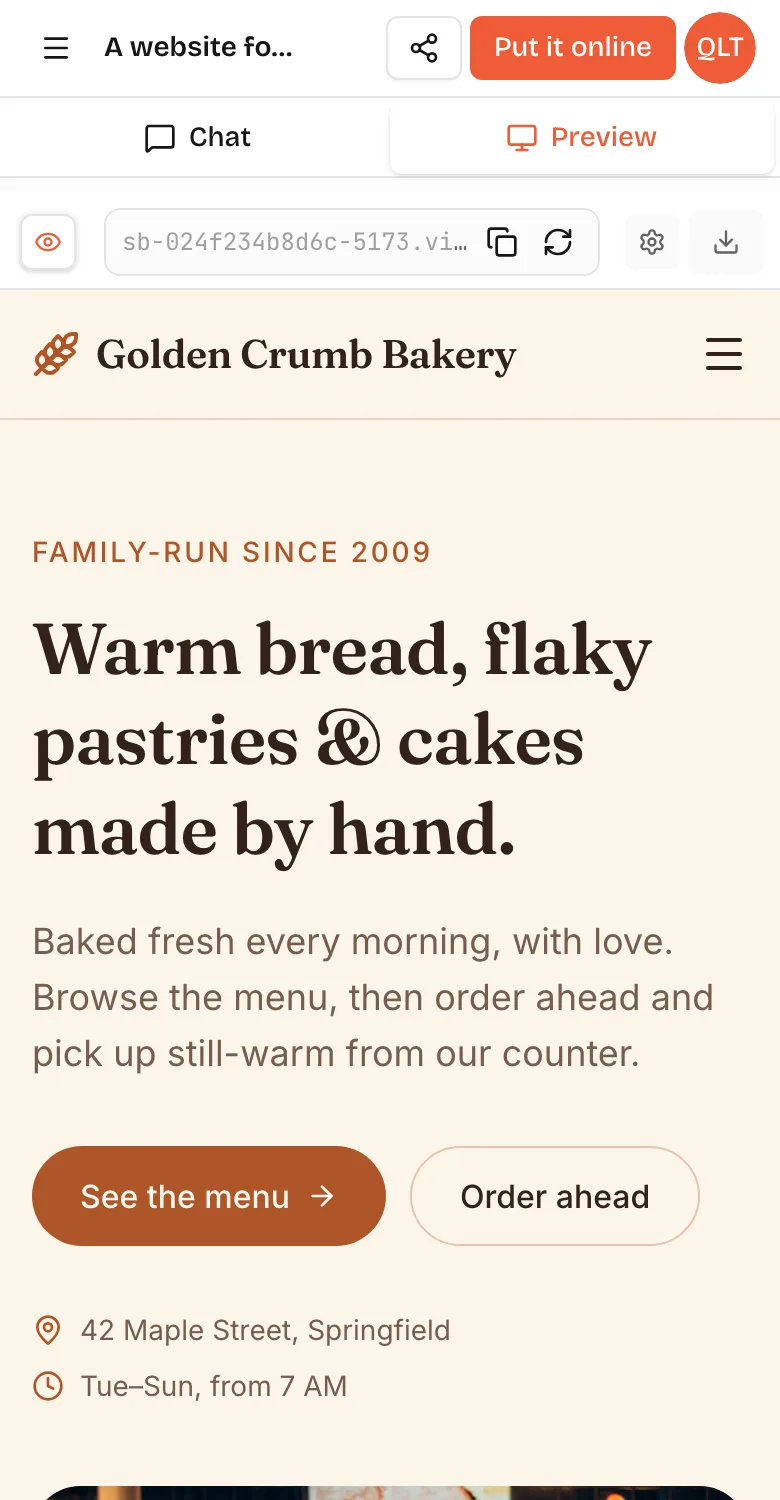
A web app for members of the Riverside Running Club to meet other single members. Invite-only: people join with an invite code I give out, and confirm they are 18 or over. Profile: up to 4 photos, first name, age, a short bio, favourite race distance, and who they want to meet. Feed: one profile at a time with Like and Pass buttons and swipe on phones. When two people like each other, both see a Match screen and a chat opens. Every profile and chat has Report and Block; block hides both people from each other immediately. Admin page behind a passcode listing reports with the profile, reason and a Remove member button. Delete my account removes all my data. Warm, friendly, phone first.In VibeDream, tap New Project, choose Direct Prompt and paste it, or open the Blank Starter template and paste it there. The live preview builds within seconds; on a phone, switch between the Chat and Preview tabs to test the swipe feel. Test the rules with two browser windows signed in as two test members: like each other, check the match appears for both, send a message, then block and confirm both profiles disappear.
- Accounts: ask for email logins in the prompt and the AI adds them to your app's code. You can also tap Add login under the chat to set up email and password sign-in.
- Photos: uploads use storage that comes with your plan, each project gets its own space, files move over short-lived signed links and your storage key stays on the server; see the file uploads guide.
- Rules page: ask for a community rules page that members must accept before their profile goes live.
A launch plan for your first community
Software is the easy part of a matching app. Getting the first members to sign up in the same week is what decides whether it feels alive. A simple plan for a single community:
- Agree it with the group first. Ask the organisers of the club or society if they are happy for you to run it, and agree the rules together.
- Set a launch date and gather a list of interested members beforehand, so many profiles go live on the same day.
- Seed with completed profiles. Ask early members to fill in every field and add photos, because empty profiles discourage everyone else.
- Keep it invite-only at first. Invite codes keep the group trusted and limit fake accounts.
- Read every report on the first day, and act visibly on them. Early trust spreads by word of mouth.
- After two weeks, ask members what would make them use it more, and change one thing.
If after a month most members have stopped opening it, that is a cheap and useful answer. If they keep coming back, you have evidence worth building on, and a codebase you own that a developer can extend.
What you would still need
- Native apps if you want App Store presence, push notifications and background features. VibeDream builds web apps that work on phones, not native apps.
- Live chat at scale. A simple chat that refreshes works for a small group; thousands of users need a real-time messaging backend.
- Verification. Photo or ID checks usually come from a specialist provider you connect with an API key, added in project settings as shown in the API keys guide.
- People to moderate. Even a small community needs someone reading reports every day.
- Payments for premium features. One-tap payments are coming soon. For real payments now, connect your own Stripe account, or keep the pilot unpaid.
- A privacy policy and terms. The privacy policy generator and terms generator give you drafts to review with an adviser.
Plans start at $49 a month on All Access Mini with 60 credits, enough for a pilot like this. Your code is yours to download or sync to GitHub if a developer later takes it further. For another marketplace-style idea, see how to build an app like Uber, and for scoping any first version, how to build an app.