
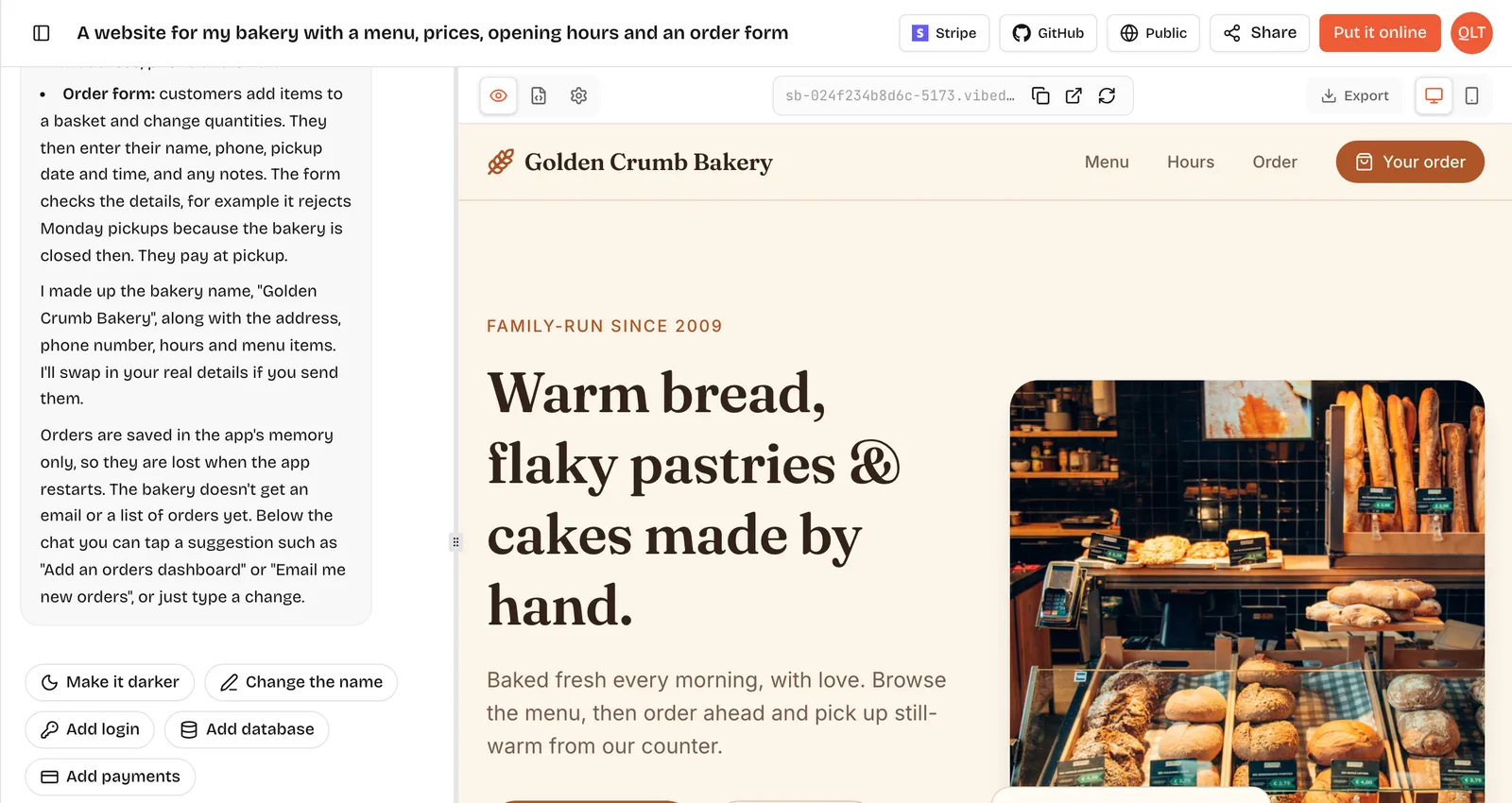
This FastAPI tutorial gets you from nothing to a working API that saves data and talks to a React page. You will install FastAPI, write an endpoint, accept JSON with a Pydantic model, store rows in SQLite and call the API from the browser. If you know a little Python, it takes about 15 minutes. Each step is short and you can run it as you go.
FastAPI is a Python web framework for building APIs. You write normal Python functions with type hints, and FastAPI turns them into web endpoints, checks incoming data against those types and writes interactive documentation for you. It is also the backend VibeDream uses for every app it builds, next to a React frontend, which is why we wrote this guide.
At the time of writing, 25 October 2026, the newest release on PyPI is fastapi 0.162.0, published on 23 October. It needs Python 3.10 or newer.
What FastAPI is and why AI builders use it
Three things make FastAPI popular for new projects, and especially for AI-generated ones.
- Type hints do the work. You say a field is an int or a str, and FastAPI validates requests, converts values and returns clear errors when data is wrong.
- Docs come built in. Every app gets interactive docs at /docs and alternative docs at /redoc, generated from your code.
- It is small. A complete app can be a single file, which is easy for a person or an AI to read and change.
For AI app builders, that combination is useful: the code is explicit, errors are readable, and a human developer can pick up the project later without learning a big framework first.
Install and run
Create a folder, make a virtual environment and install FastAPI with its standard extras, which include the fastapi command and the Uvicorn server.
mkdir notes-api && cd notes-api
python -m venv .venv
source .venv/bin/activate
pip install "fastapi[standard]"
On Windows, activate the environment with .venv\Scripts\activate instead. If you use uv, uv add "fastapi[standard]" does the same job.
Your first endpoint
Create a file called main.py.
from fastapi import FastAPI

app = FastAPI()


@app.get("/")
async def root():
    return {"message": "Hello World"}
Run it in development mode, which reloads when you save.
fastapi dev main.pyOpen http://127.0.0.1:8000 and you will see the JSON message. Now open http://127.0.0.1:8000/docs. That page is generated for you and lets you call every endpoint from the browser. Keep it open; it is the quickest way to test as you build.
Add a path parameter and a query parameter to see validation in action.
@app.get("/hello/{name}")
async def hello(name: str, excited: bool = False):
    greeting = f"Hello, {name}"
    return {"greeting": greeting + "!" if excited else greeting}
Try /hello/Sam?excited=true. Then try ?excited=maybe and FastAPI answers with a 422 error explaining that the value is not a valid boolean. You wrote no checking code.
Request bodies with Pydantic
To accept JSON, describe its shape with a Pydantic model. FastAPI reads the request body, validates it and hands you a typed object.
from pydantic import BaseModel, Field


class NoteIn(BaseModel):
    title: str = Field(min_length=1, max_length=120)
    body: str = ""


@app.post("/api/notes")
async def create_note(note: NoteIn):
    return {"saved": note.title}
Send an empty title from the /docs page and you get a clear 422 response. Send a valid one and you get the result. VibeDream's waitlist template follows the same pattern: a small Pydantic model for the email address and an endpoint at POST /api/waitlist.
Saving data with SQLite
SQLite stores a whole database in one file and ships with Python, so it is perfect for a first app. Replace the create_note endpoint with this version and add a list endpoint.
import sqlite3
from contextlib import closing

DB_PATH = "notes.db"


def connect():
    connection = sqlite3.connect(DB_PATH)
    connection.row_factory = sqlite3.Row
    return connection


with closing(connect()) as db:
    db.execute("CREATE TABLE IF NOT EXISTS notes (id INTEGER PRIMARY KEY, title TEXT NOT NULL, body TEXT NOT NULL)")
    db.commit()


@app.post("/api/notes", status_code=201)
def create_note(note: NoteIn):
    with closing(connect()) as db:
        cursor = db.execute("INSERT INTO notes (title, body) VALUES (?, ?)", (note.title, note.body))
        db.commit()
        return {"id": cursor.lastrowid, "title": note.title, "body": note.body}


@app.get("/api/notes")
def list_notes():
    with closing(connect()) as db:
        rows = db.execute("SELECT id, title, body FROM notes ORDER BY id DESC").fetchall()
        return [dict(row) for row in rows]
Two details matter. The question marks are placeholders, so user input is never pasted into the SQL string, which protects you from SQL injection. And these two functions use def instead of async def because sqlite3 is a blocking library; FastAPI runs plain def endpoints in a thread pool so they do not stall the server.
When you outgrow raw SQL, SQLModel and SQLAlchemy are the common next steps.
Calling it from React
In a React app built with Vite, a small component can load and add notes. During development, either configure a proxy to port 8000 or allow the React origin with FastAPI's CORSMiddleware.
import { useEffect, useState } from "react";

type Note = { id: number; title: string; body: string };

export const Notes = () => {
  const [notes, setNotes] = useState<Note[]>([]);
  const [title, setTitle] = useState("");

  const load = () => fetch("/api/notes").then((r) => r.json()).then(setNotes);

  useEffect(() => { load(); }, []);

  const add = async () => {
    await fetch("/api/notes", {
      method: "POST",
      headers: { "Content-Type": "application/json" },
      body: JSON.stringify({ title }),
    });
    setTitle("");
    load();
  };

  return (
    <div>
      <input value={title} onChange={(e) => setTitle(e.target.value)} />
      <button onClick={add}>Add</button>
      <ul>{notes.map((n) => <li key={n.id}>{n.title}</li>)}</ul>
    </div>
  );
};
For production, many setups build the React app to static files and let FastAPI serve them, so the page and the API share one address and you avoid CORS entirely.
Errors beginners hit first
- "Could not import module main". Run the command from the folder that contains main.py, or pass the right path.
- "Address already in use". Another server is on port 8000. Stop it, or run fastapi dev main.py --port 8001.
- A 422 response you did not expect. Read the detail field: it names the exact field and why it failed, such as a missing title.
- CORS errors in the browser console. The React dev server runs on a different port, so either proxy /api to 8000 or allow that origin with CORSMiddleware.
- "database is locked". Two writers hit SQLite at once. Keep connections short, as in the example, and open them per request.
How VibeDream generates FastAPI backends
When you describe an app on VibeDream, it creates exactly this kind of project: a React frontend and a FastAPI backend in one repository. Looking at the Aesthetic Waitlist template shows the pieces.
- backend/main.py creates the FastAPI app, adds a /health check and serves the built React files from frontend/dist.
- backend/waitlist.py is an APIRouter with POST /api/waitlist and GET /api/waitlist/count, using a Pydantic model and SQLite through Python's sqlite3 module.
- The database location comes from a DATABASE_URL setting, so data lives in its own file rather than in code.
- Secrets go in the project's Settings tab and are read by the backend on the server.
You can open every file in the Code tab, download a ZIP or sync to GitHub, and run it locally with the same commands as above.
Where to go next
- Add a PUT and a DELETE endpoint for notes, and test both in /docs.
- Return proper errors with HTTPException, for example a 404 when a note id does not exist.
- Move settings like the database path into environment variables.
- Read the official FastAPI tutorial at fastapi.tiangolo.com for dependencies, security and testing.
- Compare frameworks in our FastAPI vs Flask and FastAPI vs Django guides.