
A custom domain is a web address that you own and choose yourself, such as www.fluffycuts.com, instead of an address that belongs to the platform hosting your site, such as fluffycuts.vibedreams.ai. You rent it yearly from a domain registrar, then point it at your site or app with a couple of DNS records. Visitors see your name in the address bar, and you can move hosts later without changing the address.
Most website and app builders give you a platform address first and let you connect a custom domain when you are ready. This guide explains the parts in plain words and then walks through connecting one to a VibeDream app, with the exact records involved.
Custom domain vs subdomain
The two get confused because a custom domain often includes a subdomain.
- Domain: the name you register, like fluffycuts.com.
- Subdomain: anything in front of it, separated by a dot, like www.fluffycuts.com or app.fluffycuts.com. You create these yourself in DNS, at no extra cost.
- Platform subdomain: an address under someone else's domain, like fluffycuts.vibedreams.ai. The platform owns vibedreams.ai and gives you a name under it.
So www.fluffycuts.com is a custom domain set up on the www subdomain of a domain you own. fluffycuts.vibedreams.ai is not a custom domain, because you do not own vibedreams.ai.
Why bother upgrading? A custom domain looks more trustworthy, is easier to remember and say out loud, keeps your search rankings and links if you switch platforms, and lets you use matching email addresses.
Where to buy one and what it costs
You buy, or more precisely register, a domain from a registrar. Popular registrars include Cloudflare Registrar, Namecheap, GoDaddy, Porkbun and Squarespace Domains.
- Price depends on the ending. Common endings such as .com are usually cheap to register; newer or premium endings can cost much more.
- Watch renewal prices. Some registrars discount the first year and charge more after. Cloudflare Registrar says it does not mark up domain prices at all.
- Privacy protection hides your personal details from the public WHOIS record. Many registrars include it.
- Is a custom domain ever free? Some builders bundle one for the first year with a paid plan. You still pay for renewals after that. VibeDream does not sell domains; you register one wherever you like and connect it.
Tip: register the domain in your own name and account, not through a freelancer's account. Whoever controls the registrar account controls the address.
Choosing a good domain name
The technical part takes an afternoon. The name sticks with you for years, so give it a little thought.
- Say it out loud. If you have to spell it every time, with hyphens, odd spellings or numbers, people will mistype it.
- Keep it short. Two or three words is plenty. Long names get cut off on business cards and in search results.
- Prefer .com if it is available at a sensible price, because people type it by habit. Otherwise, pick an ending that fits: a country ending for a local business, or a newer ending that matches your trade.
- Check social handles at the same time, so your name matches everywhere.
- Search for trademarks. A name that clashes with an existing brand can be taken away from you later.
- Think about subdomains early. Many products keep the marketing site on www and put the app on app, so you can change one without touching the other. On VibeDream either works, since you connect www or any subdomain you choose.
- Register common misspellings only if the name is really important to your business; for most small projects it is not worth it.
Once you have the name, turn on auto-renew and keep the registrar account's email address current. Domains that lapse can be bought by someone else within weeks, and getting one back is hard.
DNS records explained
DNS is the internet's address book. When someone types your domain, DNS tells their browser which server to talk to. You manage your domain's DNS in your registrar's dashboard, or at a DNS provider such as Cloudflare. Three record types cover almost everything for websites.
- A record: points a name at an IPv4 address, such as 203.0.113.10. Often used for root domains.
- CNAME record: points a name at another name, such as www pointing at a host name the platform gives you. When the platform's servers change, your site keeps working.
- TXT record: holds a piece of text. Platforms use it to prove you own the domain, with a code they ask you to add.
Changes are not instant. Each record has a time to live, and new records typically take minutes to show up, occasionally longer.
Connecting a domain to VibeDream, step by step
On VibeDream, a custom domain connects to an app that is already online. Here is the full flow.
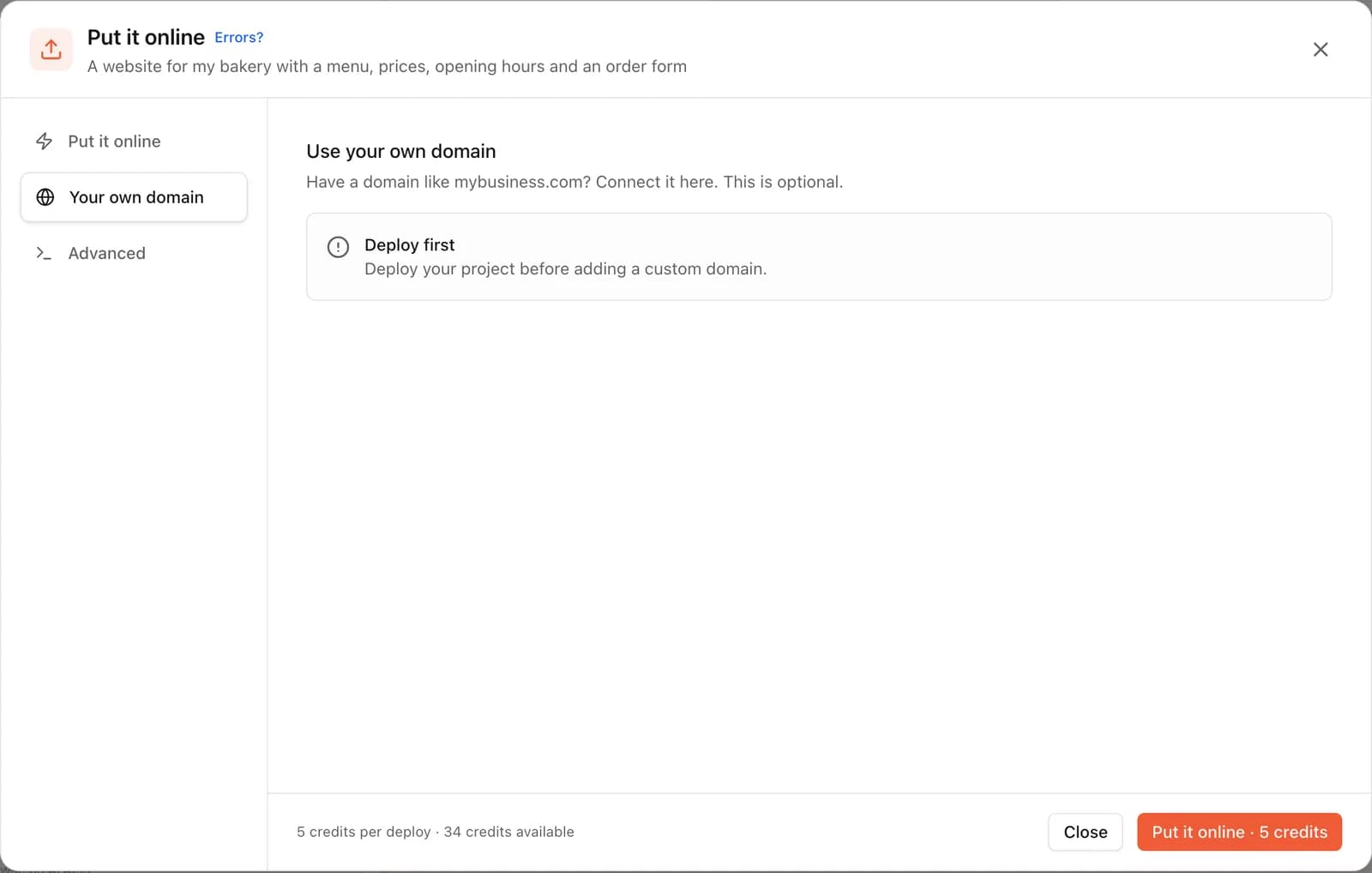
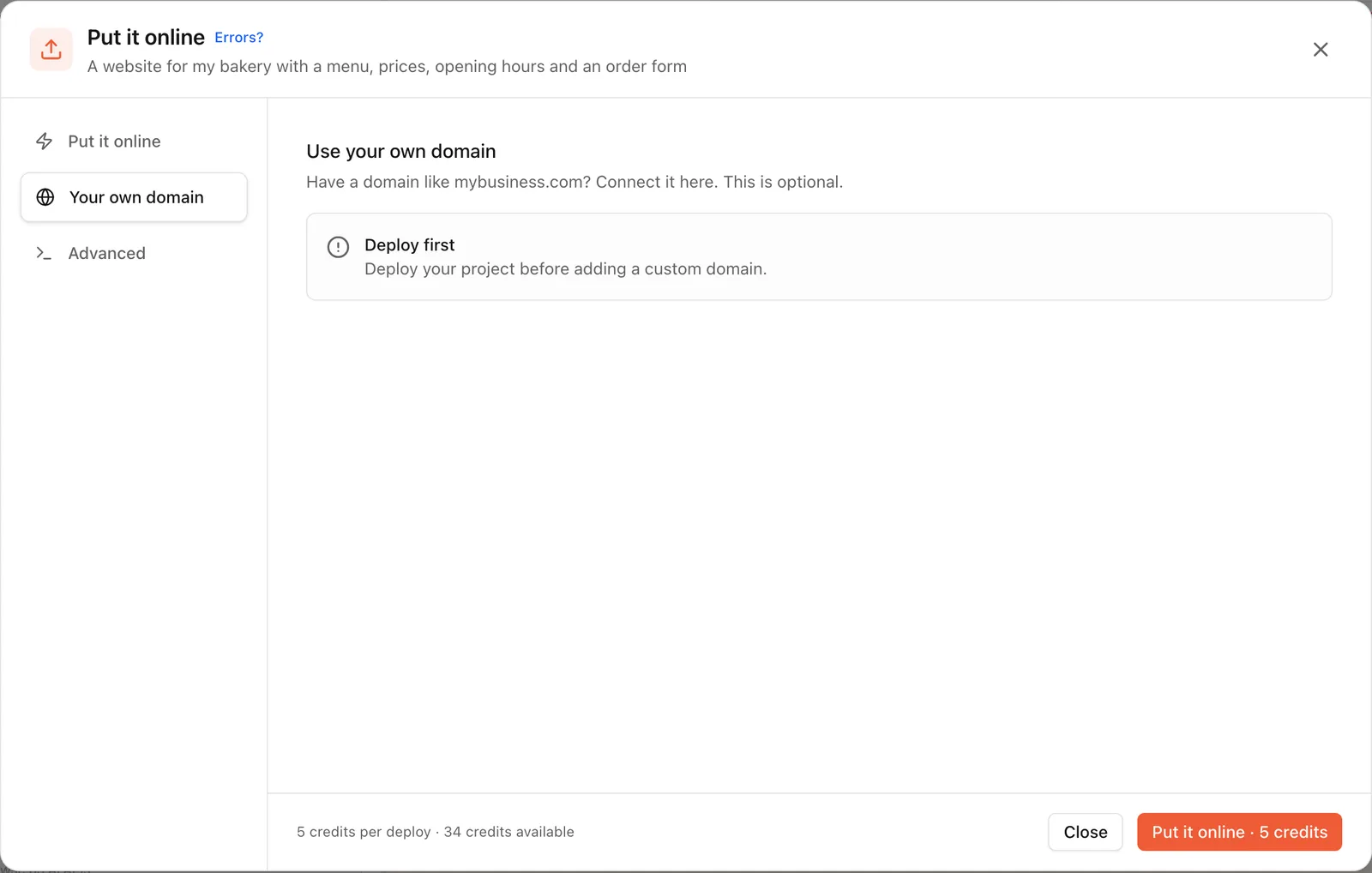
- 1. Put your app online. Tap Put it online, pick your vibedreams.ai name and confirm. It costs 5 credits and usually takes 1 to 3 minutes.
- 2. Open Put it online again and switch to the Your own domain tab.
- 3. Enter the domain you want, such as www.fluffycuts.com or app.fluffycuts.com.
- 4. VibeDream shows two records. The TXT record proves you own the domain. The CNAME record points the domain at your app. Tap a value to copy it.
- 5. Log in where you bought your domain, open its DNS settings and add each record exactly as shown.
- 6. Save. VibeDream checks automatically, usually within 5 to 30 minutes, and keeps checking for up to 72 hours.
- 7. When both records show as found, HTTPS is switched on automatically and your app opens on your domain.
Connecting a custom domain does not cost extra credits. Root domains such as fluffycuts.com on their own are not supported yet. Use www.fluffycuts.com, and ask your registrar to forward the bare domain to www, which most offer as a simple setting.
If the status stays on Waiting, check for the usual mistakes: an extra dot or space in the value, the full domain typed into the name field when the registrar only wanted www, or an old record for the same name still in place.
SSL certificates and HTTPS
The padlock in the address bar means the connection is encrypted with HTTPS, using an SSL/TLS certificate. Browsers warn visitors away from sites without it, and some features, such as location access and many payment forms, need it.
You used to buy certificates and install them by hand. Today most hosts issue them automatically. On VibeDream, both your vibedreams.ai address and your custom domain get HTTPS with no setup, as soon as the DNS records check out. Certificates renew on their own.
After you connect
- Update links in your social profiles, email signature and printed material.
- Keep the vibedreams.ai address in mind as a fallback while DNS settles.
- If you use the domain for email too, leave the registrar's MX records alone. Website records and email records live side by side.
- Every time you change your app, press Update it in Put it online. Both addresses show the version you last published.