
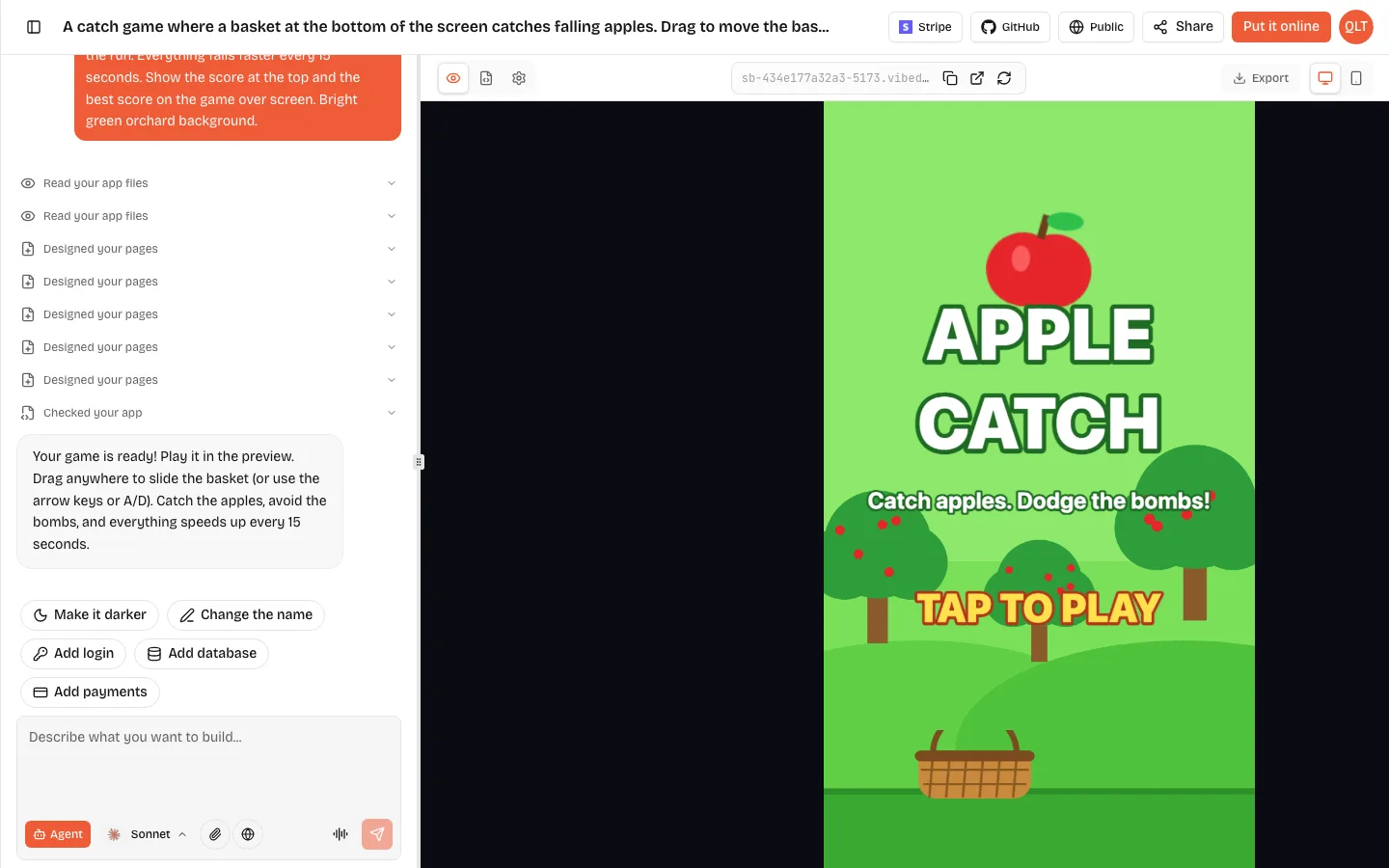
An idle game maker helps you build a clicker or incremental game: you tap to earn something, spend it on upgrades that earn for you, and watch the numbers grow even when you stop tapping. With an AI idle game maker like VibeDream, you describe the thing you collect, the upgrades and how prices rise, and you get a playable browser game in a live preview. Then you tune the numbers by chatting until the pace feels right. Idle games are mostly maths and feel, so this guide spends most of its time on the numbers.
The core loop of every idle game
- Click: tapping the big thing earns a small amount.
- Buy: spend what you earned on upgrades.
- Automate: some upgrades earn per second without tapping.
- Grow: prices rise, so each next upgrade takes a little longer.
- Come back: progress keeps going, or is counted, while you are away.
- Reset for a bonus (optional): later, players start over in exchange for a permanent boost. Idle fans call this prestige.
If your game has the first four, it is an idle game. The last two are what make people come back for weeks.
The prompt
An idle clicker game about a bakery. Tap the big cookie to bake 1 cookie. Upgrades: Rolling Pin adds 1 cookie per tap, costs 15. Baker bakes 1 cookie per second, costs 50. Oven bakes 8 per second, costs 500. Bakery bakes 50 per second, costs 6,000. Each upgrade costs 15 percent more every time you buy it. Show cookies, cookies per second, and the next price on every button. Grey out upgrades you cannot afford. Save progress in the browser every few seconds and when the page closes. When the player comes back, add what they would have earned while away, up to 8 hours. Warm brown and cream colours, big tap target.
That prompt is long on purpose. Idle games are defined by their numbers, and every number you leave out is one the AI picks for you. Starting with concrete prices and rates gives you something to tune instead of something to guess about.
VibeDream builds the game with Phaser, the HTML5 game framework, in a portrait layout with big tap targets, so it plays with a thumb on a phone and with a mouse on a laptop. You see it in the preview straight away.
Balancing upgrades without a spreadsheet
Balance is where idle games get good or get boring. Three numbers do most of the work.
Price growth
Each time you buy an upgrade, its price goes up by a fixed percentage. Many classic idle games use about 15 percent per purchase. Lower, like 7 percent, lets players buy lots of the same thing and feels generous. Higher, like 25 percent, pushes players to the next upgrade sooner.
Payback time
Payback time is how long an upgrade takes to earn back its cost. A Baker that costs 50 and makes 1 per second pays back in 50 seconds. Keep payback times for new upgrades in a similar band, then let them stretch slowly. If one upgrade pays back far faster than the others, everyone buys only that one.
The gap between tiers
A starting point that works: make each new tier cost about 10 times the last. If it earns a little less than 10 times as much, older tiers stay worth buying for a while. If it earns more, players jump straight to the newest tier. Our bakery prompt above uses 50, 500 and 6,000, so you can see the pattern and change it.
Prompts for tuning, one at a time:
- The first 5 minutes feel slow. Halve the first two prices.
- Ovens are too good. Make them make 6 per second instead of 8.
- Add a new tier after Bakery: Factory, 75,000 cookies, 300 per second.
- Show how long until I can afford the next upgrade.
- Add a golden cookie that appears every 2 minutes and gives 30 seconds of double baking when tapped.
Add prestige when the numbers slow down
After a while every idle game hits a wall: the next upgrade takes an hour, and players drift away. Prestige is the classic fix. The player resets their progress and gets a permanent bonus in return, so the second run goes faster than the first and the walls arrive later.
- Keep it simple at first: reset everything, and gain one Golden Star for every million cookies baked. Each Golden Star gives 2 percent more cookies forever.
- Only show the prestige button once it is worth pressing, for example after the first million.
- Show the bonus clearly before the player confirms, so the reset feels like a reward and not a loss.
- Add it after the base game is balanced. Prestige multiplies every number, so it hides balance problems instead of fixing them.
Ask for it in one prompt, play two full runs, and adjust the bonus. If the second run is not noticeably faster, the bonus is too small.
Saving progress and offline earnings
Idle players expect their progress to be there tomorrow. In a browser game, that usually means saving to the browser's own storage on that device. Here is what to know:
- Saves are per browser and per device. A player on their phone and their laptop has two separate saves.
- Clearing site data, or a private browsing window, wipes the save.
- Save often: every few seconds, and when the page closes or goes into the background.
- Offline earnings are calculated, not simulated. The game stores the time you left, and when you come back it multiplies the time away by your earnings per second.
- Cap offline time. A limit like 8 hours stops a week away from breaking your balance.
Ask for a Welcome back screen that shows what was earned while you were away. It is one of the most satisfying moments in any idle game, and it is one line of prompt.
Numbers that look good on a phone
- Short big numbers: show 1.5K, 2.3M and 4.1B instead of long strings of digits.
- Big tap target in the middle, upgrades in a scrollable list below.
- A small bounce and a floating +1 on every tap.
- Buttons that clearly change when you can afford them.
Share it, and give the leaderboard something to count
When you press Put it online, your game gets a vibedreams.ai link and a play page. Every VibeDream game page has a top scores leaderboard, and a score is submitted when a run ends. Pure idle games never end, so give them a mode that does:
- A 3 minute bake-off: how many cookies can you bake in 3 minutes from zero?
- A race: how fast can you reach 1 million cookies?
- A prestige score: submit your total when you reset for a bonus.
Putting the game online costs 5 credits. Signed-in players can remix it into their own version, which suits idle games well because the numbers stay and only the theme changes: a lemonade stand, a space mine. The getting started guide covers putting a project online.
Mistakes that break idle games
- Numbers that outgrow the screen. Past a billion, long digits push the buttons off a phone. Ask for short numbers like 4.1B from the start.
- Saves that vanish after an update. If you ask the AI to rename upgrades or change how progress is stored, old saves may stop loading. Ask it to keep loading old saves and only add new fields.
- Offline earnings that are too generous. Without a cap, someone who comes back after a week can buy everything at once. Keep the 8 hour cap until the game is balanced.
- Changing the clock to cheat. Offline time comes from the device clock, so anyone can wind it forward. For a game among friends that is fine, but do not put offline earnings into a leaderboard score.
- An upgrade nobody buys. Watch which buttons you skip in your own playthrough. A skipped upgrade usually pays back too slowly.
Other games to try next
If you want short rounds and a high score, try an arcade game. If you want something for a classroom, a matching game is quick to make with your own words. For how browser games work under the hood, see the Phaser 3 explainer or the wider HTML5 game maker guide.