
Phaser 3 is a free, open source JavaScript framework for making 2D games that run in a web browser. You write a game in JavaScript or TypeScript, Phaser draws it with WebGL or Canvas, handles input, sound, cameras and simple physics, and the result plays on any phone or computer without an install. Phaser 3 was the main version for years; its most recent release, v3.90.0, came out in May 2025, and Phaser 4 became the new major version in April 2026.
Checked: Oct 2026. Version numbers and dates come from Phaser's official GitHub releases and the phaser.io download page.
What Phaser is, and what it is not
If you searched for Phaser and landed here, you may have meant something else. A phaser is also a guitar effect pedal that sweeps the sound, and the energy weapon in Star Trek. This page is about Phaser the game framework, made by Phaser Studio and published on GitHub under the MIT licence, which means you can use it in free and paid games alike.
Phaser is a framework, not a full engine with an editor like Unity or Godot. There is no scene editor you must use; you write code, and Phaser gives you the building blocks. That makes it light, quick to load and easy to put on a web page, which is why so many browser games and AI game tools are built on it.
Phaser is a good fit for:
- Arcade games, platformers, puzzle and matching games, idle and clicker games, quiz games and card games
- Games that should load fast on a phone browser
- Games you want to put on your own website or share by link
- Learning game programming with plain JavaScript
It is a poor fit for big 3D worlds. Phaser is a 2D framework. For 3D in the browser, people use libraries like Three.js or Babylon.js instead.
Scenes, sprites and physics
Almost every Phaser game is built from the same three ideas. Once these click, most Phaser code reads like a recipe.
Scenes
A scene is one screen of your game with its own logic. A typical game has a title scene, a play scene and a game over scene. Each scene has a few standard methods: preload loads images and sounds, create sets up the objects when the scene starts, and update runs every frame, about 60 times a second, to move things and check rules. Switching scenes is one line, which keeps menus and levels tidy.
Game objects and sprites
Everything you see is a game object: images, sprites, text, shapes, particles. A sprite is an image that can animate and move. You can also draw simple shapes in code, such as rectangles and circles, which is handy for prototypes and for games that do not need art files at all.
Physics
Phaser ships with Arcade Physics, a simple and fast system for boxes and circles: gravity, velocity, bouncing and collisions. It is enough for most platformers and shooters. For more realistic shapes and joints, Phaser also supports Matter.js physics.
Input, sound and scaling
Phaser reads keyboard, mouse and touch through one input system, so the same game can work with arrow keys on a laptop and taps on a phone. The Scale Manager resizes the game to fit any screen while keeping its shape, which matters a lot for mobile games.
A tiny Phaser 3 example
Here is a complete, small Phaser 3 game. A yellow bar moves left and right with the arrow keys, stays inside the screen, and a score ticks up every second. Load Phaser 3 on a web page with a script tag, paste this below it, and open the page.
class PlayScene extends Phaser.Scene {
  constructor() {
    super('play');
  }

  create() {
    this.score = 0;
    this.player = this.add.rectangle(180, 580, 70, 20, 0xffcc00);
    this.physics.add.existing(this.player);
    this.player.body.setCollideWorldBounds(true);
    this.cursors = this.input.keyboard.createCursorKeys();
    this.label = this.add.text(16, 16, 'Score: 0', { fontSize: '20px', color: '#ffffff' });
    this.time.addEvent({
      delay: 1000,
      loop: true,
      callback: () => {
        this.score += 1;
        this.label.setText('Score: ' + this.score);
      },
    });
  }

  update() {
    const body = this.player.body;
    if (this.cursors.left.isDown) body.setVelocityX(-300);
    else if (this.cursors.right.isDown) body.setVelocityX(300);
    else body.setVelocityX(0);
  }
}

new Phaser.Game({
  type: Phaser.AUTO,
  width: 360,
  height: 640,
  backgroundColor: '#101820',
  physics: { default: 'arcade' },
  scale: { mode: Phaser.Scale.FIT, autoCenter: Phaser.Scale.CENTER_BOTH },
  scene: PlayScene,
});
Notice the shape of it: the scene sets things up in create, moves them in update, and the game config at the bottom picks the size, physics and how the game scales to the screen. Real games add more scenes and more objects, but they follow this same pattern.
Phaser 3 vs Phaser 4
Phaser 4.0.0 was released on 10 April 2026, followed by 4.1.0 in April and 4.2.1 on 9 July 2026. The Phaser team describes v4 as built from the ground up to be faster and smoother. Phaser 3.90.0, from May 2025, is the most recent Phaser 3 release.
- If you are starting a brand new project and following Phaser's current docs, Phaser 4 is where the project is heading.
- If you are following an older tutorial, a book or a course, it is almost certainly Phaser 3, and the code will match Phaser 3 best.
- If you have a working Phaser 3 game, there is no rush to move. Read the official migration notes first, because not every Phaser 3 project moves over unchanged.
- Search results and examples online are still mostly Phaser 3, which is why so many people search for Phaser 3 by name.
Phaser vs other ways to make a browser game
- Phaser: a code-first 2D framework with a huge library of examples. Best when you want control and a light, web-native game.
- Kaplay: a smaller open source JavaScript library, the community successor to Kaboom.js, with a very short learning curve for simple games.
- PixiJS: a fast 2D renderer. It draws things well but leaves game rules, physics and scenes to you.
- Three.js and Babylon.js: libraries for 3D in the browser.
- GDevelop: an open source engine with a visual event editor that exports to the web, Android, iOS and desktop.
- Godot and Unity: full engines with editors. Both can export to the web, but the builds are heavier than a Phaser game.
For a longer comparison of tools for browser games, including AI game makers, see our HTML5 game maker guide.
Phaser on phones
Phaser games run in mobile browsers, so a link is all a player needs. Three things make the difference between a game that works on a phone and one that does not:
- Pick a portrait size and let the Scale Manager fit it to the screen, so the game does not get cropped.
- Design for one thumb. Big tap targets, a drag-to-move joystick or a single action button work far better than tiny on-screen arrows.
- Start audio on the first tap. Mobile browsers block sound until the player touches the screen, so a title screen with TAP TO PLAY solves this.
How AI tools write Phaser games
Because Phaser is plain JavaScript with a clear structure, AI models write it well, and several AI game makers use it. Rosebud AI says on its blog that it uses Phaser for 2D games. VibeDream builds every game with Phaser too.
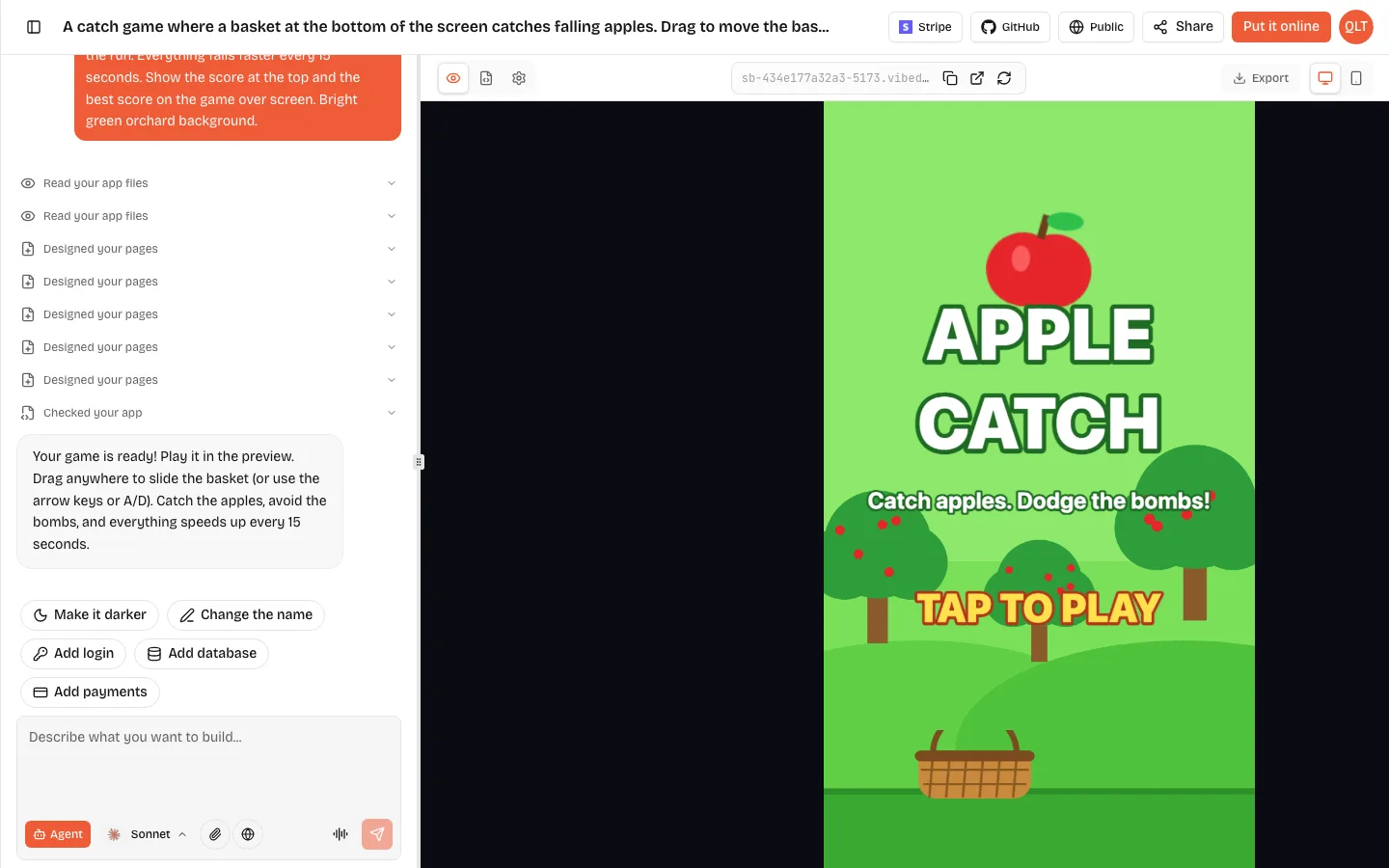
On VibeDream, you describe the game in a sentence, and the AI writes Phaser 3 code, pinned to version 3.90.0 rather than Phaser 4, that follows the mobile rules above: a portrait layout that scales to fit, a title screen, a game scene with a score that is always visible, and a game over screen with your best score. Movement games get a touch joystick, jump and shoot games get an action button, and keyboard controls work on a laptop. Art is drawn in code unless you attach your own images. You play it in the live preview, change it by chatting, then put it online, where it gets a play page with a leaderboard.
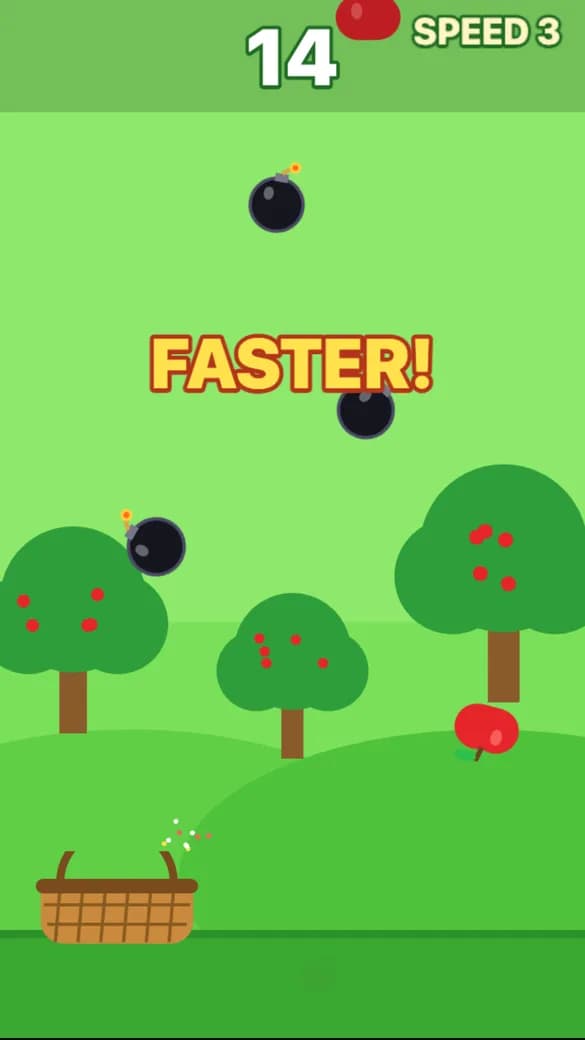
On a desktop you can open the Code tab to read the Phaser code it wrote, and you can download the project or sync it to GitHub. That makes it a decent way to learn Phaser: ask for a game, then read how it works. The getting started guide shows the build flow.
Where to learn more
- The official Phaser site and its examples, for the API and hundreds of small demos.
- Our platformer game maker guide, for how jumping, gravity and levels work in practice.
- Our arcade game maker guide, for difficulty curves and scoring.
- Our Rosebud AI review, if you are comparing AI tools that write Phaser.