
A salon website builder needs to produce a site that answers three things fast: what you offer and for how much, who will do it, and when the client can come in. With VibeDream you describe your salon once and get a phone-first site with a services and prices table, a card per stylist with a Book with button, a before and after gallery and a booking request form that saves every request. Raising colour prices or adding a stylist later is one sentence. The example throughout is a four-stylist studio in Brighton.
What salon clients look for
- Prices, or at least a starting price. Many clients will not call to ask and will book somewhere that shows them.
- Real work. Photos of your own cuts, colours, nails or brows, ideally on real clients with permission.
- Who does what. Clients often choose the stylist, not the salon, especially for colour.
- How long it takes. A balayage that takes three hours needs a different day than a trim.
- Policies. Deposits, cancellations, patch tests and lateness, stated plainly.
- How to book, in as few taps as possible.
Example salon site
- Home: salon name, one line on your style, Book now button, a strip of work photos, opening hours and address.
- Services: a table grouped by category, with time and price per service and per stylist level if prices vary.
- Team: a card per stylist with photo, specialties and a Book with button.
- Gallery: before and after sets, tagged by service.
- Book: a request form that asks for service, stylist, preferred days and times, and contact details.
- Policies and FAQ: cancellations, deposits, patch tests, children, accessibility.
The prompt to build it
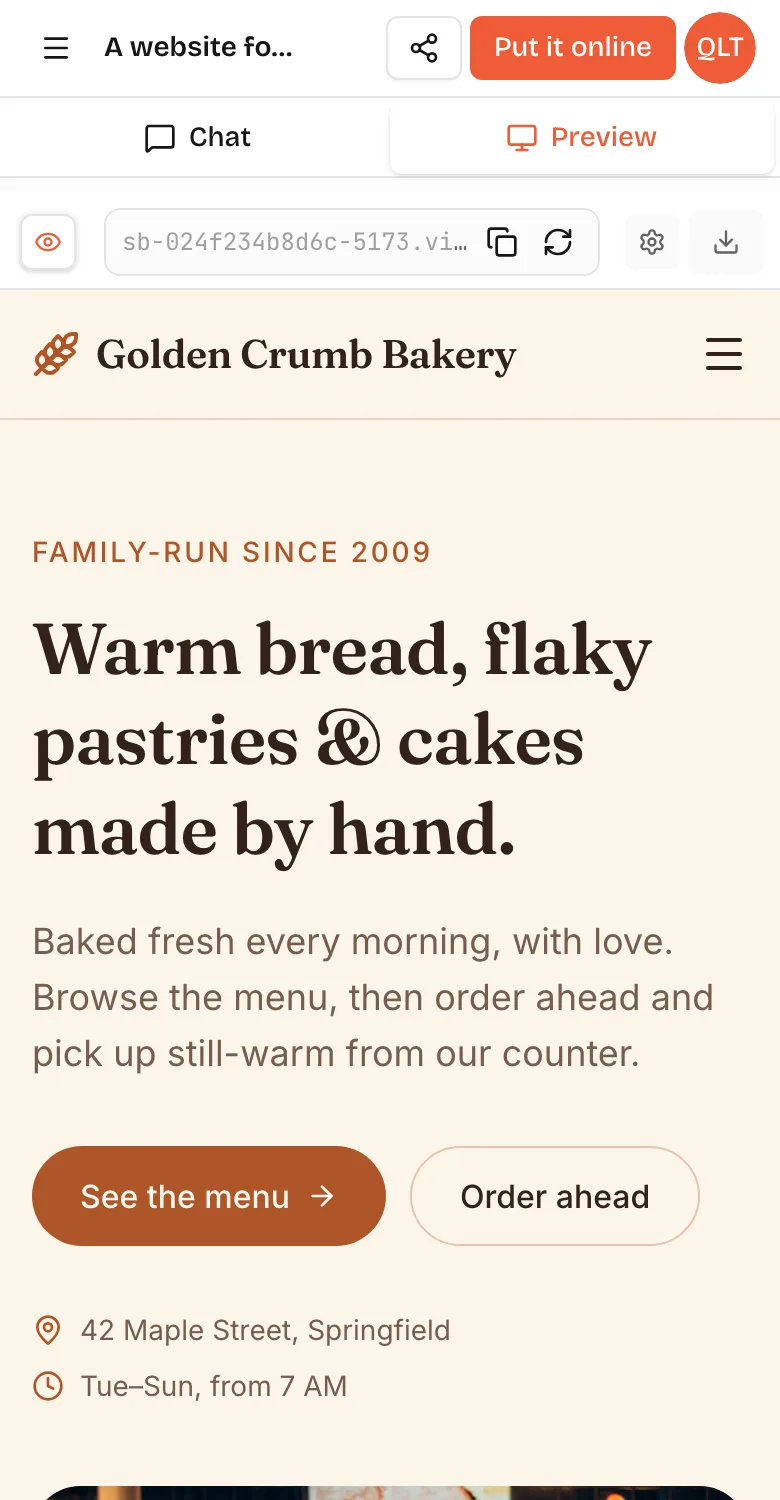
A website for Bloom Hair Studio in Brighton, four stylists. Pages: Home, Services, Team, Gallery, Book, Policies. Services as a table grouped into Cuts, Colour, Treatments, with time and price; colour prices differ for Senior and Director stylists. Team page with a card per stylist: photo, specialties, Book with button that pre-selects them. Gallery with before and after pairs filtered by service. Book page: request form with service, stylist or no preference, two preferred days and time windows, name, phone, email, notes. Save requests and show them on a private page behind a passcode, by day. Soft blush and charcoal colours, elegant serif headings. Phone first.Paste it into VibeDream after tapping New Project and Direct Prompt. If you want a softer starting design, the Aesthetic Landing Page template uses serif headings on warm paper and can be reworked into a salon site. The preview appears in seconds and fills in while it builds. On a phone, switch between the Chat and Preview tabs to try the booking flow the way your clients will, as in the screenshot above.
Services and prices table
The table is the page clients use most, so spend time on it. Group services the way clients think, not the way your till does: Cuts, Colour, Treatments, Nails, Brows. Show time and price on the same line. If prices depend on hair length or stylist level, show both clearly rather than writing from. Then keep it current with one-line prompts.
- Raise all colour prices by 5 and show a note: new prices from 1 March.
- Add a Gloss treatment, 30 minutes, 35, under Treatments.
- Mark Keratin smoothing as Ask for a consultation instead of a price.
- Add a column for Director stylist prices on the colour section.
What to ask in the booking form
Keep it short. Service, stylist or no preference, two preferred day and time windows, name, phone and a notes box are usually enough. For colour, add a question about the last colour service and a photo upload for the look they want, which saves a lot of time at the consultation. Ask for the form to work well with one thumb on a phone.
Booking requests
Many salons already use booking software, with calendars, reminders and card-on-file deposits. If you do, keep it, and point every Book button at it. If you take bookings by phone or messages today, a booking request form on your own site is a good step up: clients send the service, stylist and preferred times, the request is saved, and you confirm by text. It removes the back-and-forth without forcing you onto a new system.
Two limits to know: VibeDream does not sync with salon booking platforms, and one-tap payments for deposits are coming soon. You can take real deposits today by connecting your own Stripe account. If you want a full slot-by-slot booking flow that hides taken times, how to make a booking website walks through the rules to ask for, including gaps between appointments.
Gallery that sells your work
- Use before and after pairs taken in the same light and from the same angle.
- Tag each set with the service and stylist so clients can find what they want.
- Ask clients' permission before posting, and crop faces if they prefer.
- Ask for a private upload page so you can add new work after each week. Uploads use the storage in your plan, as explained in the file uploads guide.
Stylist profiles that get booked
For many clients the stylist is the reason to choose a salon. Give each person a card that answers what they are best at and what it is like to sit in their chair. A photo, their level, three specialties and one or two sentences in their own voice are enough. Link each profile to a filtered gallery of their work, so a client looking for blonde specialists sees blonde work.
- Ask each stylist to write two sentences about how they work. It sounds more human than anything generated.
- Show availability patterns, such as works Tue to Sat, so clients do not request days they are off.
- Add a Book with button that pre-selects the stylist in the form.
Policies clients should see before booking
Clear policies prevent awkward conversations. Put a short version next to the booking form and a full version on the Policies page, and ask for the form to require a tick that the client has read them.
- Cancellation window and what happens if it is missed.
- Deposit rules for long or colour appointments, if you take them.
- Patch test requirements before colour, with how far in advance.
- Lateness: how many minutes before the appointment is shortened or moved.
- Children, guests and accessibility, including step-free access.
New client offers without the gimmicks
If you run a welcome offer for new clients, state it plainly with its real terms and end date, and remove it when it ends. Avoid fake countdowns or crossed-out prices that were never charged. A clear first visit page, explaining the consultation, how long it takes and what to bring, often does more for new bookings than a discount.
Domain and getting found
Press Put it online for an address like bloom-hair.vibedreams.ai, or connect www.bloomhairbrighton.com as shown in the deployment guide. Each update you put live costs 5 credits, so batch price changes into one update.
Add the site link to your Google Business Profile and social bios, and keep the name, address and phone identical everywhere. Name your services the way people search for them, such as balayage, root touch-up or men's skin fade, so the services page can be found. VibeDream plans start at $49 a month. For other local businesses, see the small business website builder guide.