
The best 10Web alternatives depend on one decision: do you want to stay on WordPress? If yes, the strongest options are Hostinger's managed WordPress hosting with its AI tools, or Elementor's own AI on a host you pick, and your site moves over largely intact. If no, Framer, Wix and Durable are hosted builders with no plugins to maintain, and VibeDream builds custom web apps as real code. Make that call first and the shortlist almost writes itself.
For reference, 10Web's AI Starter is $20 a month, or $10 a month when you pay $120 for a year, for one WordPress site with 100 AI credits and 10,000 monthly visitors. Checked Oct 2026 on 10web.io/pricing. Our 10Web review covers what that buys. Most people leave for one of three reasons: the plan or renewal price, the chores of plugin updates, or a feature WordPress handles badly.
Staying on WordPress
If your writers like the WordPress editor, you depend on WooCommerce, or you run a plugin you cannot replace, leaving WordPress costs more than it saves. The better move is a different host or a different AI layer. A 10Web site is a normal WordPress install, so it can move.
Hostinger managed WordPress hosting
Hostinger's WordPress plans bundle hosting, a domain free for the first year, mailboxes and AI tools, including what it calls Hostinger Agent for managing a WordPress site by chat. The entry Premium plan was $2.49 a month on a 48-month term ($119.52 up front), renewing at $10.99 a month, and covered 3 websites, when checked in Oct 2026 during a Black Friday offer. Pick it if price is the reason you are leaving and you are comfortable paying for four years at once. Budget for the renewal, not the headline.
Elementor's AI on any host
10Web's editor is based on Elementor, so moving to Elementor's own tools keeps the editing experience familiar. Elementor describes an AI Site Planner that drafts sitemaps, wireframes and starting copy, with AI built into the editor. You can run it on Elementor's hosting or on any WordPress host you prefer. Pick it if you like how 10Web edits but want to choose your own hosting.
Any managed WordPress host, with no AI layer
Once the site exists, you may not need an AI builder at all. A managed host with automatic updates, staging and backups covers most of what 10Web adds after launch. Pick this if your site is built and you mostly need it to stay fast and patched.
Leaving WordPress behind
Leave if nobody wants to own plugin updates, or if the thing you keep fighting WordPress over is design control or custom logic. Each of these gives up WordPress's plugin library in exchange for something specific.
- Framer, for design control. A canvas that works like a design tool, a CMS, and AI agents that edit your existing pages. Basic is $10 a month and Pro $30, billed yearly, per site. The Framer review covers the limits.
- Durable, for the quickest small-business site. A site from a short brief plus bookings, a CRM and local SEO tools. Launch is $25 a month or $22 billed yearly. See the Durable review.
- Wix, for an all-rounder. An AI start, a full drag-and-drop editor and a large app market. US yearly plans start around $17 a month, and prices vary by country.
- Hostinger's AI Builder, for the cheapest hosted builder. The same $2.49 a month on a 48-month term, renewing at $10.99, without WordPress underneath.
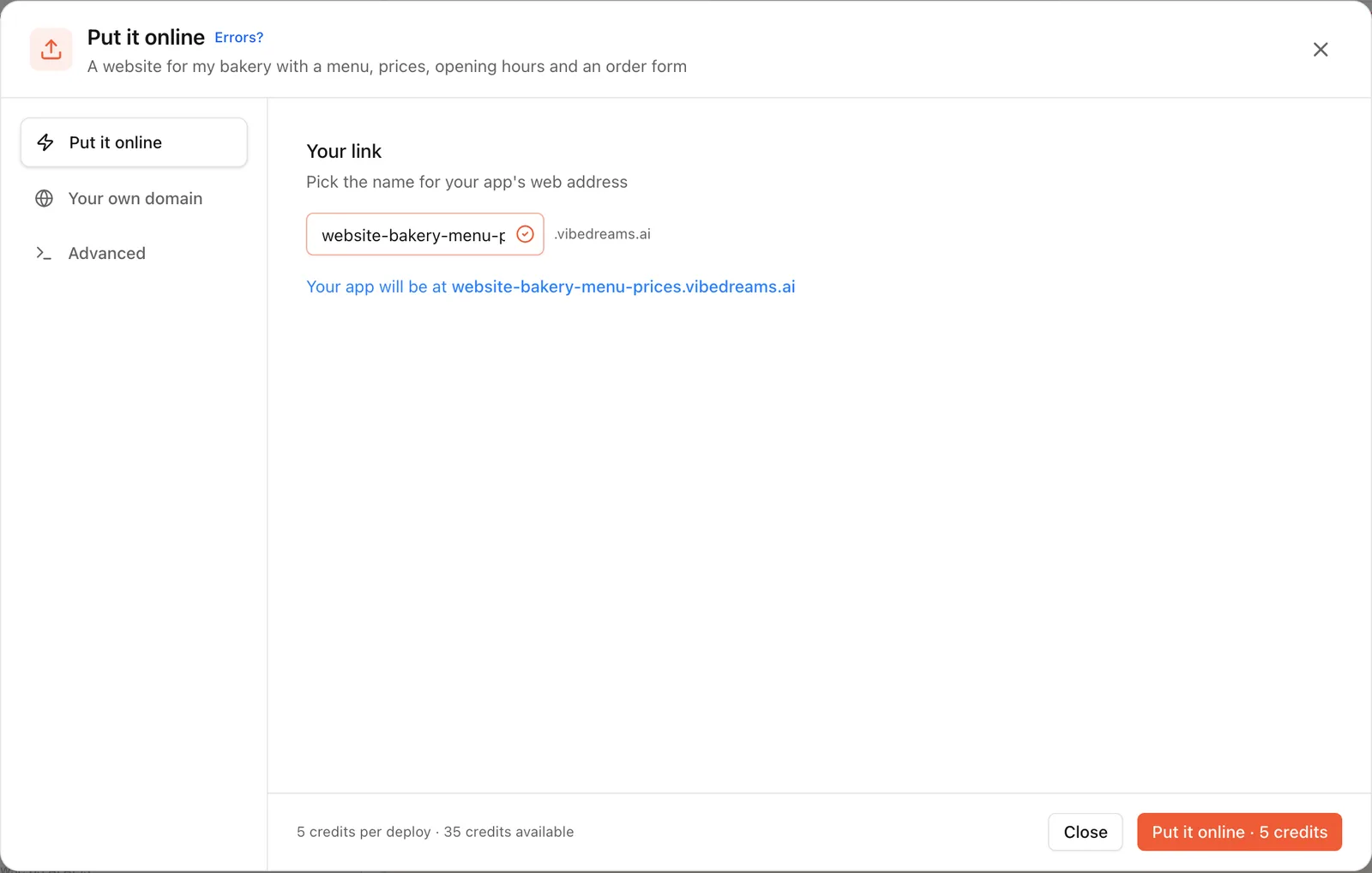
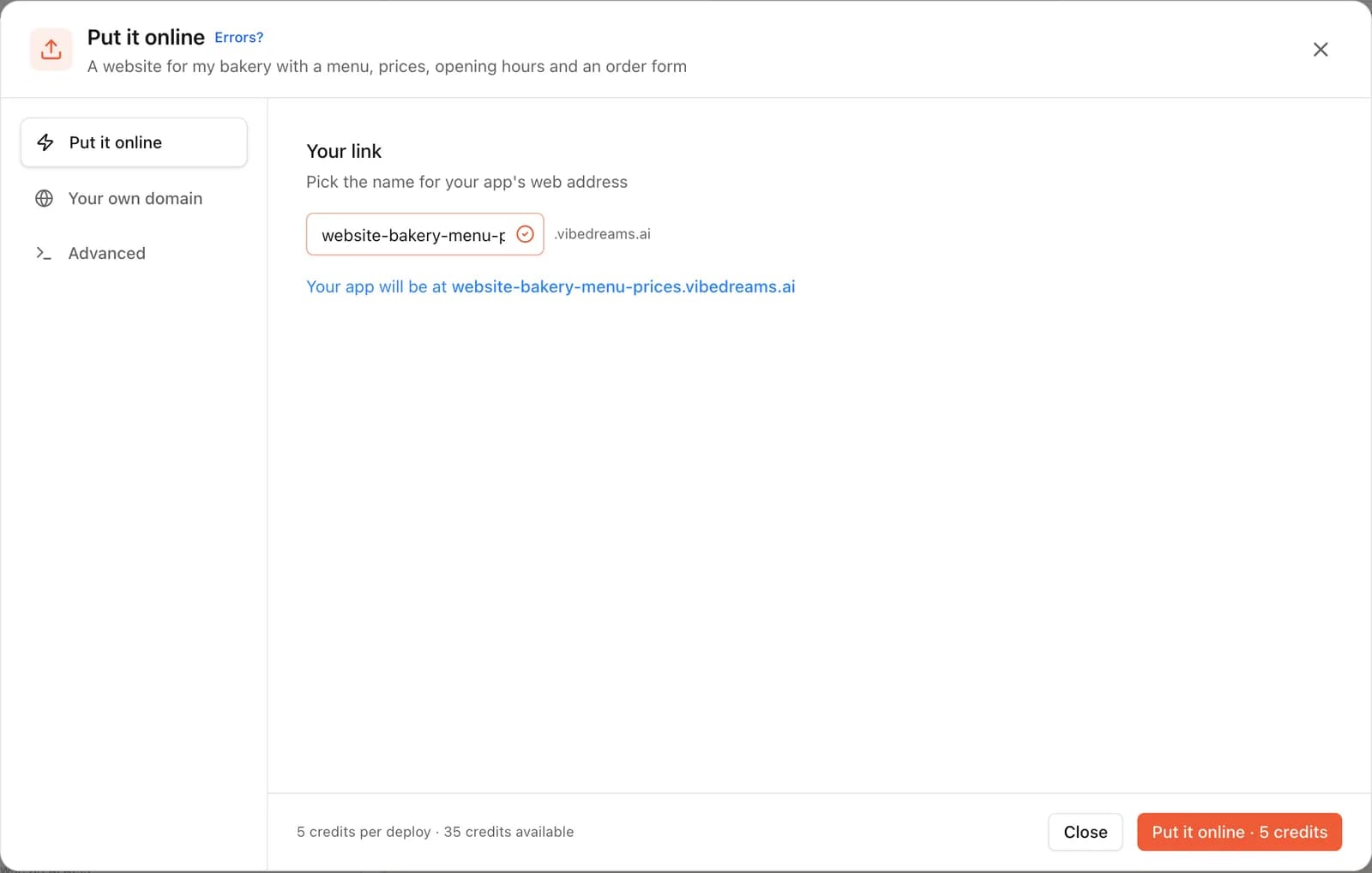
VibeDream belongs here for a narrower reason. If you were stacking plugins to build a feature, such as a quote calculator, a gift card balance checker or a small client area, an app builder writes that feature as code instead. VibeDream builds a React front end with a FastAPI backend in Python from a chat, and you can attach a screenshot of your current 10Web site to start from its look. Putting it online costs 5 credits per publish, with hosting and HTTPS included, and the code downloads as a ZIP or syncs to GitHub. Plans start at $49 a month for 60 credits, with no free plan. It has no CMS editor for writers, so a blog-heavy site is better on Framer or WordPress.
Moving to another WordPress host
- Take a full backup in 10Web first. Daily backups and staging are on every plan, so you have a safe copy before you start.
- Use a migration plugin, or your new host's migration tool, to copy files and the database in one go. Many hosts offer one.
- Check that Elementor Pro and any paid plugins are licensed for the new domain or host, and note which 10Web-specific features you will lose.
- Test the copy on a temporary address before you change DNS.
Moving off WordPress entirely
- Export posts and pages from WordPress (Tools, then Export) and download the media library. Framer can import from WordPress into its CMS.
- List every form, popup and plugin feature and decide what replaces each. This is where most migrations lose functionality.
- Keep your URLs where you can, and set redirects for the ones that change, or you will lose search rankings.
- Move the domain last. On VibeDream that means a TXT and a CNAME record on www or a subdomain. Root domains are not supported yet, so forward the bare domain to www.
A two-minute way to choose
- Your content team lives in WordPress, or you run WooCommerce: stay on WordPress and change host.
- You want 10Web's editing with your own choice of host: Elementor.
- You want the lowest monthly bill and can prepay four years: Hostinger, WordPress or AI Builder.
- You want a beautiful marketing site and no plugins: Framer.
- You are a sole trader who wants bookings by tonight: Durable.
- You keep fighting plugins to build one custom feature: an app builder such as VibeDream.