
Claude Code is Anthropic's AI coding agent. You give it a task in plain English, and it reads your project's files, writes and edits code across them, runs commands such as tests and installs, and asks for permission before doing anything risky. It runs in a terminal, in a desktop app and inside code editors like VS Code and JetBrains IDEs. For a non-developer it can build real apps, but you are responsible for the parts around the code: setting up the project, running it, keeping secrets safe and putting it online.
Setup details below come from Anthropic's Claude Code setup docs and the Claude pricing page, both checked on 25 October 2026. VibeDream is not affiliated with Anthropic.
What Claude Code is
Think of it as a capable developer who works inside a folder on your computer.
- It reads the whole project, so one request can change many files at once.
- It runs commands: installing packages, starting a dev server, running tests, using git.
- It explains what it is doing and why, and you can ask it to explain any file in plain language.
- It asks before editing files or running commands, unless you allow those actions in advance.
- It can connect to other tools through MCP servers, such as a database or an issue tracker.
A session feels like a chat. You type a request, it reads the files it needs, shows you the changes it wants to make, and waits for your approval. You can stop it mid-task, ask a question, or tell it to try another approach. When you close the session, your files keep the changes, and git keeps the history if you set it up.
What it is not: a hosting service, a visual editor or a place where your app runs for other people. It works on your machine, or in environments you set up.
Setup in plain English
You need macOS 13 or newer, Windows 10 version 1809 or newer, or a Linux such as Ubuntu 20.04+ or Debian 10+, with at least 4 GB of RAM and an internet connection. You also need the right account: Claude Code requires a Pro, Max, Team, Enterprise or Console account, and the free Claude plan does not include it. On Anthropic's pricing page, Pro is $20 a month billed monthly, or $17 a month billed yearly, and Max starts at $100 a month.
Prefer not to use a terminal? Anthropic offers a desktop app for macOS and Windows, plus a Linux version that is still in beta and only for Ubuntu and Debian. If you are happy to paste one command, the native installer is quickest.
On macOS, Linux or WSL:
curl -fsSL https://claude.ai/install.sh | bashOn Windows PowerShell:
irm https://claude.ai/install.ps1 | iexThen open a new terminal window and check it worked:
claude --versionTo start, open a terminal in the folder you want to work in and type claude. The first run opens your browser so you can log in. Homebrew and WinGet installs are also available if you use those tools.
A first project
A good first project is small and visible. Say, a one-page tip calculator.
- Make an empty folder called tip-calculator and start claude inside it.
- Describe the goal: "Create a simple web page that calculates a tip and splits the bill between people. Use plain HTML, CSS and JavaScript in one folder. Make it look clean on a phone."
- Claude Code proposes files and asks to create them. Approve.
- Ask it how to view the result. For plain files it may suggest opening index.html in your browser, or starting a small local server.
- Iterate in plain language: "Round the per-person amount to two decimals", "Add a dark mode toggle".
- Ask it to set up git and commit, so you can undo mistakes: "Initialise git and commit this version with a clear message."
For anything with a backend, such as saved data or logins, you will also need a runtime installed, for example Python or Node, and a database. Claude Code can walk you through installing those, but this is where the learning curve starts.
Where non-developers get stuck
None of these are failures of the agent. They are the parts of software that live outside the code.
- The terminal. Paths, folders, permissions and "command not found" errors are confusing at first. The desktop app helps.
- Installing runtimes. Python versions, Node versions and package managers can clash.
- Running the app. You need to know which command starts it and which address to open.
- Secrets. API keys belong in an environment file that is never committed. Ask Claude Code to set that up and to add it to .gitignore.
- Putting it online. Claude Code writes the code; you still choose a host, connect it, set environment variables there and connect a domain.
- Knowing when it is wrong. The agent can be confidently mistaken. Test every flow yourself, and ask it to explain anything that handles logins or money.
- Usage limits. Each plan has usage limits, so very long sessions can hit them.
Claude Code vs app builders
Browser app builders take a different trade-off: you give up some control and flexibility, and in return they run and host the app for you.
- Where it runs: Claude Code works on your computer or your own environment; an app builder works in the browser, with a preview hosted for you.
- Setup: Claude Code needs an install, a runtime and a project folder; an app builder needs a signup.
- Flexibility: Claude Code takes any language, any framework and any repo; an app builder uses the stack the builder chooses.
- Putting it online: with Claude Code you pick and configure a host; an app builder has it built in.
- Best for: Claude Code suits developers, and non-developers willing to learn; an app builder suits people who want a live app quickly.
Popular builders include Lovable, Replit and Bolt. On VibeDream you describe an app or game by typing, talking or adding a screenshot, and it runs in a live preview as React + FastAPI, or Phaser for games. Put it online publishes it to a vibedreams.ai address with HTTPS, and plans start at $49 a month for 60 credits.
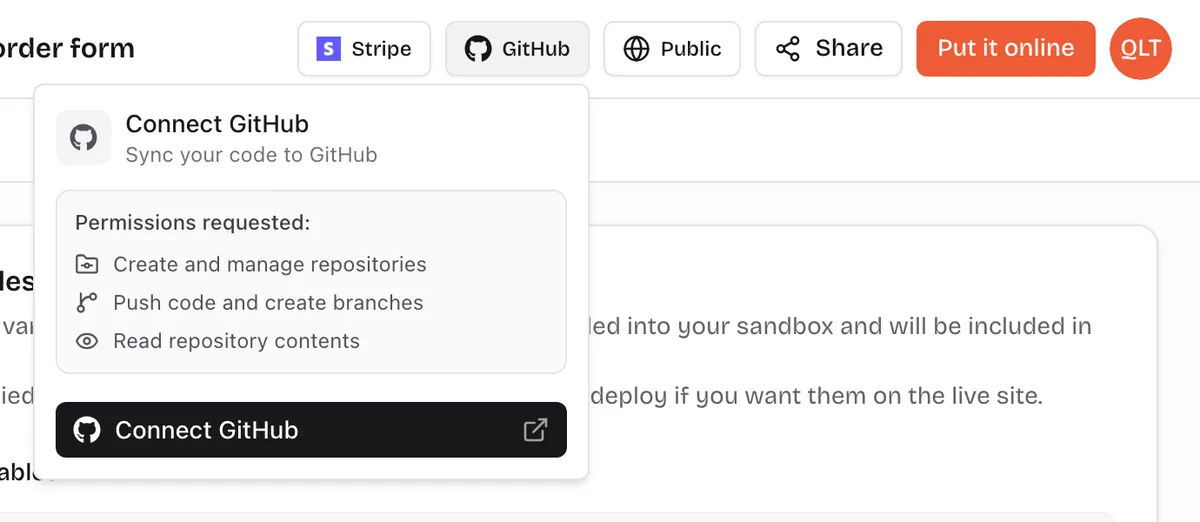
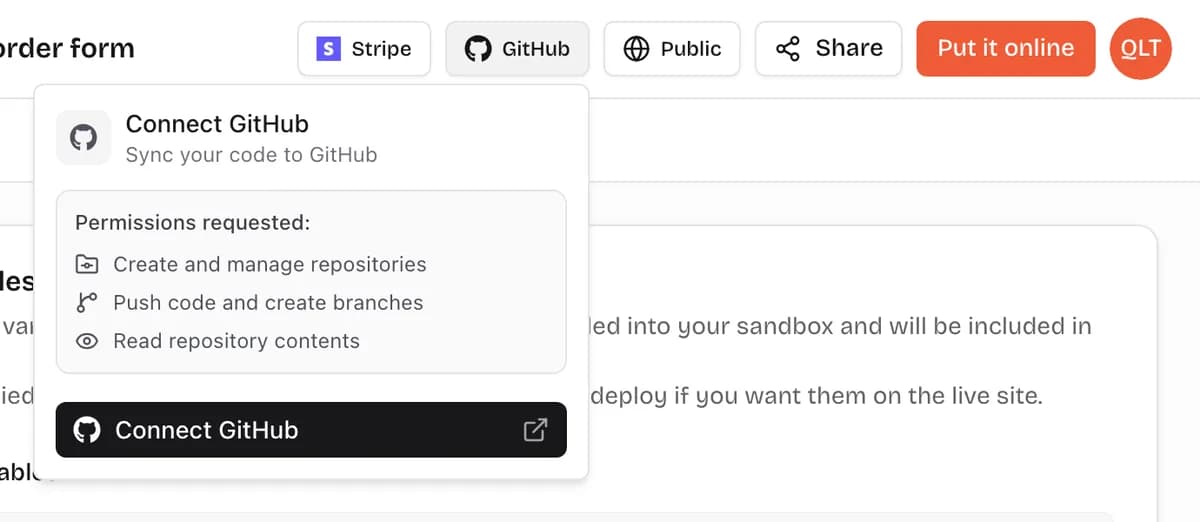
The two also combine well. Build a first version in a browser builder, sync it to GitHub, then clone the repository and keep going with Claude Code when you want more control. On VibeDream the GitHub button sits in the project toolbar, and a ZIP download works too.
Good habits with any coding agent
- Commit early and often, so any change can be undone.
- Ask for a plan before big changes: "Tell me which files you will change and why, then wait."
- Keep tasks small, one feature at a time.
- Ask it to write tests for anything important, and run them.
- Never paste real secrets into a prompt. Put them in environment files or settings.
- Read the vibe coding security checklist before real users arrive.