
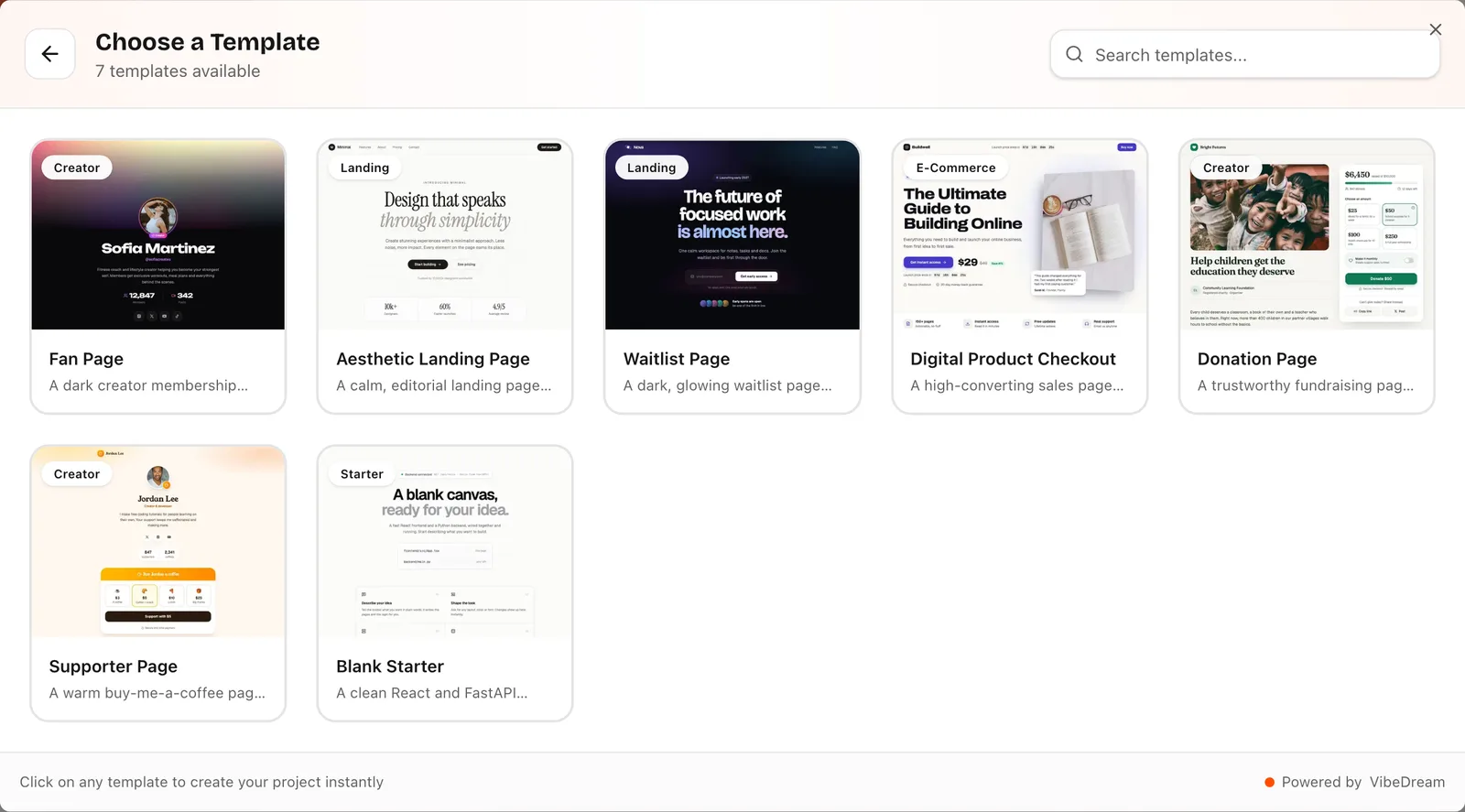
Good vibe coding prompts say what the thing is, who it is for, which screens it needs and how it should look, in plain words. After the first build, the best prompts are short and change one thing. Below are 40 prompts you can copy into VibeDream or any other vibe coding tool: 12 first prompts by app type, then follow-ups for layout, bugs, data and games, and a list of prompts that tend to waste credits.
Swap the details in brackets for your own. We wrote these for this guide as starting points, so treat them as first drafts rather than magic words. Every AI tool answers a little differently, and you will still need a few rounds of follow-ups.
The anatomy of a good first prompt
A first prompt has four jobs. Skip one and the AI fills the gap with a guess, usually a generic one.
- What it is: "a booking page", "a habit tracker", "a waitlist".
- Who uses it and where: "clients on their phone", "my team on laptops".
- The screens or sections, in order.
- The look, in words a friend would understand: "calm and editorial", "dark with one bright accent".
Leave out framework names, file structures and long wish lists. VibeDream already builds apps with React + FastAPI and games with Phaser, and naming other libraries only starts a fight with the builder. If you have a reference, attach a screenshot or record a voice note instead of describing it line by line.
First prompts by app type
- Prompt 1. Landing page: "Build a one-page site for [business]. Sections: hero with a one-line promise and a Get started button, three benefits, how it works in three steps, testimonials, pricing with two plans, FAQ, contact form. Look: calm and editorial, warm off-white background."
- Prompt 2. Waitlist: "Build a waitlist page for [product] launching in [month]. Email signup that saves each address, a live count of signups, three feature teasers and an FAQ. Dark background with a violet accent."
- Prompt 3. Booking page: "Build a booking page for [studio]. Show services with prices and durations, a booking form with name, phone, service, date and time, and a confirmation screen. Friendly, large text, works well on phones."
- Prompt 4. Portfolio: "Build a portfolio for a [photographer]. A grid of projects that opens into a detail page with large images, an about page and a contact form. Minimal, lots of white space."
- Prompt 5. Habit tracker: "Build a habit tracker. I can add habits, tick each one off for today, and see my current streak and a 30-day grid for each habit. Saves my data. Simple and colourful."
- Prompt 6. Simple CRM: "Build a contacts tracker for a freelancer. List of clients with name, company, email, status (lead, active, done) and notes. Filter by status and search by name."
- Prompt 7. Invoice tool: "Build a page where I fill in client details and line items and it calculates totals with tax, then shows a clean printable invoice."
- Prompt 8. Event page: "Build an event page for [meetup] on [date] at [venue]. Agenda, speakers with photos, a map link and an RSVP form that saves names and emails."
- Prompt 9. Fan page: "Build a fan page for [creator] with a bio, latest videos, a link list and a section to support them. Bold and playful."
- Prompt 10. Restaurant menu: "Build a menu site for [restaurant]. Categories with dishes, prices and dietary tags, opening hours, address and a call button. Looks great on a phone."
- Prompt 11. Internal dashboard: "Build a dashboard for tracking weekly orders. A form to add an order (date, customer, amount, status), a table with filters, and three summary cards: total this week, open orders, average order."
- Prompt 12. Quiz: "Build a 10-question quiz about [topic] with multiple-choice answers, a score at the end and a button to share the result."
Follow-up prompts for layout fixes
Use these after you have clicked through the preview in both the phone and desktop views. Each one names the problem and the fix, which is why they work.
- Prompt 13. "On phones, stack the cards in one column and add more space between them."
- Prompt 14. "The header is too tall on mobile. Shrink it and keep the menu button on the right."
- Prompt 15. "Make the main button bigger and move it above the fold."
- Prompt 16. "Use one font for headings and one for body text, and make body text a bit larger."
- Prompt 17. "The colours feel flat. Keep the background, but make the accent colour a deep teal and use it only for buttons and links."
- Prompt 18. "Add more space above and below each section so the page breathes."
- Prompt 19. "Replace the stock-looking hero image with a simple illustration-style background."
- Prompt 20. "Make the pricing cards the same height and highlight the middle one."
Prompts for fixing bugs
Describe what happens and what should happen instead. "It's broken" gives the AI nothing to work with; the exact error text or the exact wrong behaviour does.
- Prompt 21. "This error shows when I press Submit: [paste error]. Fix the cause."
- Prompt 22. "When I submit the form with an empty email, nothing happens. Show a clear message under the field instead."
- Prompt 23. "The date picker allows past dates. Only allow today or later."
- Prompt 24. "After I add an item, the list does not update until I refresh. Make it update right away."
- Prompt 25. "The page works on desktop but the menu does not open on my phone. Fix the mobile menu."
- Prompt 26. "Explain in plain English why this keeps failing, then fix it." Use this one when the same fix has failed twice.
Prompts for adding data and login
- Prompt 27. "Save each form submission on the server and add a page at /admin that lists them, newest first."
- Prompt 28. "Protect the /admin page with a password that I set in Settings, not in the code."
- Prompt 29. "Let me export the submissions as a CSV file."
- Prompt 30. "Add a search box and a status filter to the admin list."
- Prompt 31. "I need to call [service]'s API. I will add the key in Settings as [NAME]. Call it from the backend only, never from the browser."
On VibeDream you can also tap Add login or Add database under the chat, and VibeDream sets them up for you with no keys to copy. One-tap payments are coming soon. For real card payments today, ask the AI to build a checkout and connect your own Stripe account. Test them yourself, logged out and with a second account, before real users rely on them.
Game prompts
VibeDream builds games with Phaser, and these make good first drafts. Ask for controls on both keyboard and touch from the start, because adding touch later tends to break things.
- Prompt 32. "Make a space shooter where I dodge asteroids and collect stars for points. Arrow keys on desktop, tap and drag on phones. Show a score and a restart button."
- Prompt 33. "Make an endless runner where a cat jumps over boxes. Speed goes up every 10 seconds. Tap or space to jump."
- Prompt 34. "Make a memory card game with 16 cards and a move counter. Show the best score."
- Prompt 35. "Make the player jump higher and fall a little slower." A tuning follow-up.
- Prompt 36. "The game is too hard in the first 20 seconds. Spawn fewer obstacles at the start, then ramp up."
- Prompt 37. "Add sound effects for jump, coin and game over, and a mute button."
Prompts that waste credits
Each of these usually costs an extra round or two of prompts, and every one has a simple fix.
- "Build me an app like Uber." Too big. Ask for one screen of it.
- "Make it better" or "make it pop". Say what is wrong instead.
- A ten-item list of changes in one message. Send three or four separate prompts.
- "Use React 19, Tailwind 4, Zustand and Prisma." The builder already has a stack; fighting it causes errors.
- Pasting a secret key into the chat. Put it in Settings.
Three prompts that undo those habits.
- Prompt 38. "Before you build, list the screens you plan to make and wait for my OK."
- Prompt 39. "Only change the pricing section. Leave everything else exactly as it is."
- Prompt 40. "Summarise what you changed in this step in three bullet points."