
For most new ideas, build a web app first. It costs less, launches faster, works on every phone and computer from one link, and you can change it the same day. Build a native app first only when your idea depends on something the web cannot do well, such as constant background tracking, deep hardware access, heavy 3D or a presence in the app stores from day one. Many successful products start on the web and add native apps once people are using them.
A note on our own product, so you can weigh what follows: VibeDream builds web apps and browser games that work on phones. It does not build native iOS or Android apps.
Quick answer
- Testing whether people want your idea: web app.
- Booking, ordering, forms, dashboards, directories, internal tools: web app.
- Content and community sites shared by link or search: web app.
- A fitness tracker that records workouts in the background all day: native app.
- A camera-heavy or AR app, or a game that needs top performance: native app.
- Customers who expect to find you in the App Store: native app, or a web app first with a store app later.
Cost and time
A native app for both iPhone and Android traditionally means two codebases, or one cross-platform codebase with platform-specific work, plus store accounts, review cycles and device testing. A web app is one codebase that runs everywhere.
- Build: a web app is one app for every device; a native app is two platforms, or a cross-platform framework with native extras.
- Launch: a web app goes live as soon as you publish; a native app waits on store review before release and before each update.
- Changes: a web app updates instantly for everyone; native users update when they choose, so old versions linger.
- Testing: a web app is tested in a few browsers and screen sizes; a native app needs many devices and OS versions.
- Team: a web app needs web skills or an AI builder; a native app needs mobile developers or a specialised builder.
Agencies usually quote native apps for two platforms well into five figures, and timelines run to months. Our app cost guide has sourced agency figures. A cheaper web version first lets you find out whether the idea deserves that spend.
App store rules and fees
Publishing natively means joining each store's program and following its rules. These are the fees listed on Apple's and Google's developer pages, checked on 25 October 2026.
- Apple Developer Program: 99 US dollars a year, for individuals and organisations.
- Google Play: a one-time 25 US dollar registration fee.
- Commission: Apple takes a cut of paid apps and in-app purchases. Under its App Store Small Business Program, the rate is 15% for developers with under 1 million dollars in proceeds; standard rates are higher. Google Play also charges a service fee on digital sales.
- Review: every release is reviewed against store guidelines. Rejections and delays happen, especially for first submissions.
A web app has none of these. You can take payments with a provider of your choice, release whenever you like and share by link. The trade-off is that you do not get the store's discovery or its install button.
Features that need native
The web has gained a lot, but some things still work best, or only, in native apps.
- Continuous background work, such as step tracking or location logging while the app is closed.
- Deep hardware access: Bluetooth accessories, NFC beyond simple cases, advanced camera controls, AR.
- Heavy graphics and games that need every bit of performance.
- Widgets, watch apps, and system integrations like Siri shortcuts or share sheets.
- Reliable push notifications on every platform. Web push now works in many browsers, including on iPhone for web apps added to the home screen, but support and behaviour still vary.
- Offline-first apps with large local data.
If your core feature is on this list, plan for native, or a cross-platform tool such as React Native or Flutter.
What a web app can do on a phone
For everything not on that list, a well-built web app does more on a phone than people expect.
- Opens instantly from a link, a QR code at a counter or a search result.
- Adapts its layout to small screens and touch.
- Uses the camera for photo uploads and the phone's location, with permission.
- Can be added to the home screen from the browser menu, so it opens from an icon.
- Saves data on the server, so a user switching from phone to laptop picks up where they left off.
- Plays browser games. VibeDream builds games with Phaser that run on phones and computers and can be shared with a link.
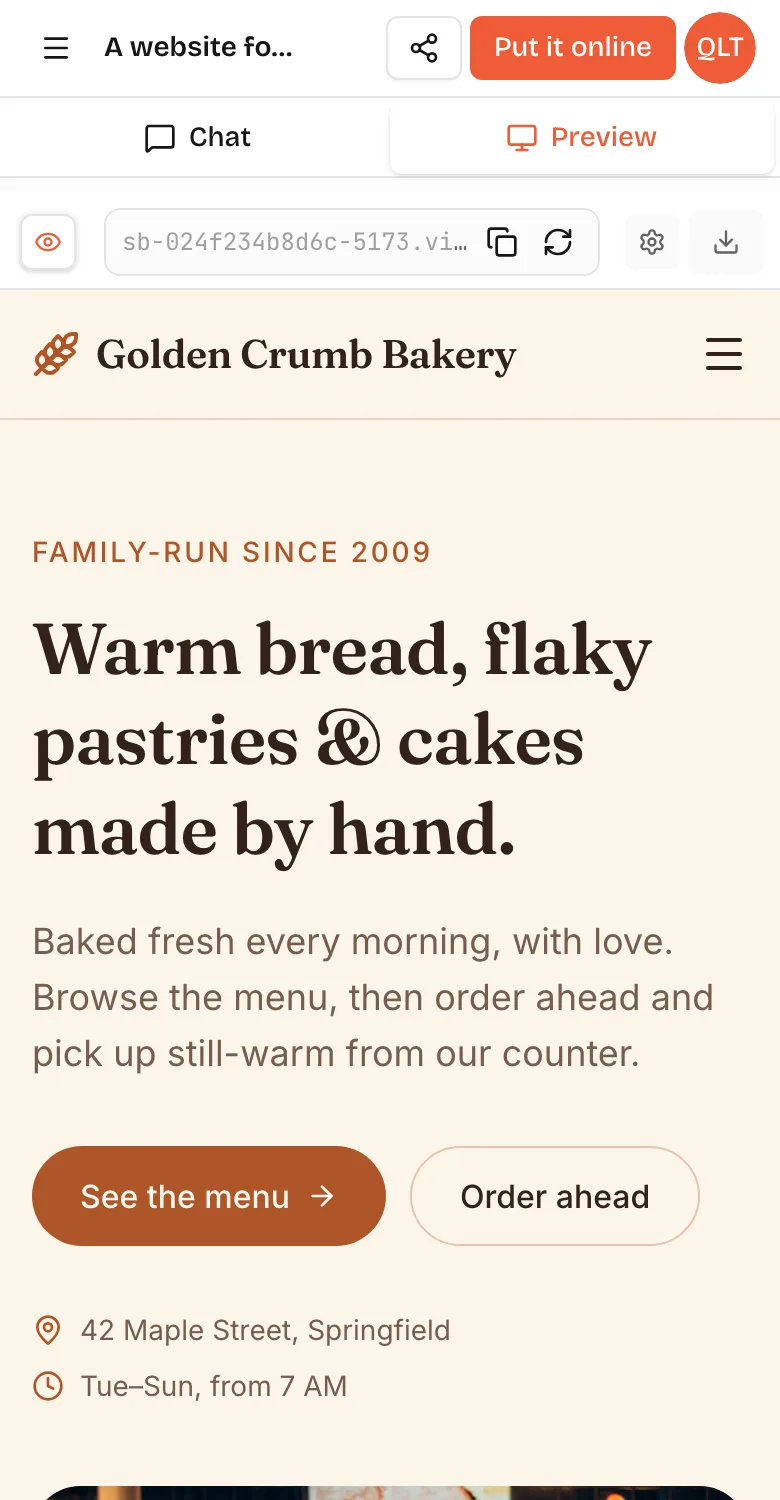
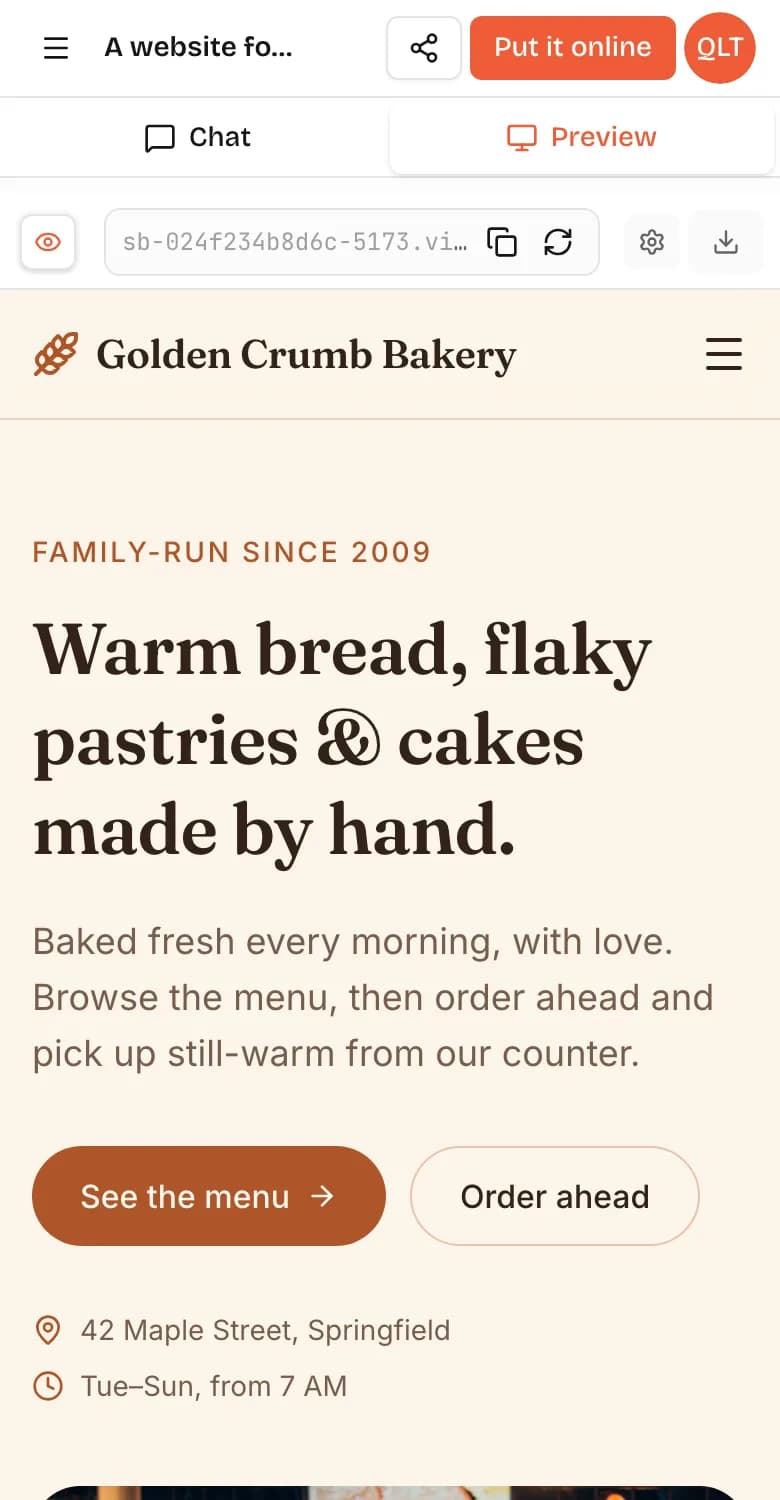
When you build on VibeDream, you can switch the preview to a phone view while you work, and after Put it online you get a QR code that opens the live app on your own phone in seconds. You can also build from the phone itself.
Progressive web apps
A progressive web app, or PWA, is a web app with extra pieces, such as a manifest and a service worker, that let it install to the home screen, open in its own window and work partly offline. It is still a web app: one codebase, no store required. If you want a little more app-like polish, ask your developer or your AI builder to add PWA features and test them on both iPhone and Android, because support differs between browsers.
A worked example, a coffee shop loyalty card
Say a café wants customers to collect a stamp per coffee and get the tenth free.
As a native app, customers search the store, download it, create an account and allow notifications before their first stamp. The café pays store fees, waits for review and keeps two versions updated.
As a web app, a QR code by the till opens the card straight away. The customer enters a phone number or email, the barista taps to add a stamp, and the customer can add the card to their home screen if they like. Changes, such as a double-stamp week, go live the moment they are published.
For this idea the web app wins on almost every count. A native app only starts to make sense if the café later wants features such as payments by phone tap or location-based offers in the background.
When to start with a web app, and when not to
Start with a web app when:
- You are not yet sure people want the product.
- Your users arrive by link, ad, email or search.
- You will change things weekly.
- Budget or time is tight.
Start native when:
- Your core feature is on the native-only list above.
- Your audience lives in the app stores, such as a kids' game or a consumer utility.
- You have the budget for two platforms and ongoing releases.
A common path is to prove the idea with a web app, then hire a mobile developer and hand them the working product, its data model and its backend. The backend can usually stay the same, serving both the web and native apps.