
The best Rosebud AI alternatives are VibeDream if you want browser games with a leaderboard, your own domain and your code in GitHub; Astrocade if you mostly want to make and remix games inside a big social feed; GDevelop if you want a real engine that exports to phones and desktops with an AI helper; Phaser on its own if you want full control and do not mind writing code; and Scratch or Pocket Code if the goal is learning. Which one is right depends less on features and more on where you want your game to end up.
Checked: Oct 2026. Prices and plan details below come from each product's official pricing or product pages, read on 25 October 2026. Where a company does not publish a price, we say so instead of guessing.
Start with what you are trying to build
- A quick game to share with friends or a class: VibeDream or Astrocade.
- A game that is part of a bigger site or app, like a quiz on a club website or a game next to a shop: VibeDream, since it builds apps as well as games.
- A game you want on Google Play, the App Store or desktop: GDevelop, which exports to those targets.
- Learning how games work, for kids or beginners: Scratch in a browser, or Pocket Code on a phone.
- Full control over every line, with an AI chat helper on the side: Phaser by hand.
- 3D games and generated art in one place: Rosebud is still hard to beat here, so think twice before leaving.
Why people look for a Rosebud AI alternative
We looked for consistent public complaints about Rosebud and did not find enough reliable, recent ones to quote. So instead of repeating forum gossip, here are the reasons that come straight from Rosebud's own pricing page. Each one is a fair reason to compare options.
- Downloading your project code is listed from the Pro plan at $50 a month. On cheaper plans the code stays on Rosebud.
- Commercial rights and removing Rosebud branding start on 10x Dev at $30 a month.
- Free projects can be remixed by others. Private projects start on Indie Dev at $15 a month.
- The code tab, code download and Windows export are marked desktop only.
- The pricing page does not mention connecting your own domain to a hosted game.
If none of these bother you, Rosebud may be the right tool already. Our full Rosebud AI review goes through its plans and strengths in detail.
How the alternatives compare
This is the comparison most people want: what it costs to start, what you get for free, where the game lives and whether you can take the code with you.
- Rosebud AI: free plan with 8,000 weekly credits, paid plans from $15 to $100 a month. Hosted on Rosebud. Code download from the $50 Pro plan. Custom domain not mentioned.
- VibeDream: no free plan. All Access Mini is $49 a month with 60 credits and All Access is $97 a month with 150 credits (pricing). Games are Phaser, apps are React with a FastAPI backend. Free vibedreams.ai address, your own domain with TXT and CNAME records, ZIP download and GitHub sync.
- Astrocade: making and playing games is free to use, and no public pricing page was available when we checked (astrocade.com/pricing returned a 404). Games live in the Astrocade feed. We found no code export or custom domain on its official pages.
- GDevelop: free plan with 40 AI credits a month and 3 cloud projects, then Silver, Gold and Pro tiers. The pricing page did not show their prices when we read it. Unlimited publishing to its gd.games site on every plan, with Android and desktop exports, and iOS exports on the higher tiers.
- Phaser by hand: the framework is free and open source under the MIT licence. You host the game yourself on any static web host, so domain and code are entirely yours.
- Scratch and Pocket Code: both are free. Scratch runs in the browser and shares to the Scratch community. Pocket Code is a free, open source app for making games on a phone with code blocks.
VibeDream, where it fits and where it does not
VibeDream is an AI builder for apps and games. You describe a game, it builds it with Phaser and shows it in a live preview, and you change it by chatting. Games are portrait first, with a touch joystick or tap controls built in, so they work with one thumb on a phone and with arrow keys on a laptop.
When you press Put it online, the game gets a link and its own play page with a top scores leaderboard. Signed-in players can remix it into their own copy and change it with a prompt. You can connect your own domain with a TXT and a CNAME record and HTTPS turns on by itself. The code is yours: download it as a ZIP or sync it to GitHub from a desktop. The getting started guide shows each step with screenshots.
Where VibeDream is not the right pick: there is no free plan, it does not make 3D games, it does not generate sprites or 3D models (art is drawn in code unless you attach your own images), and it does not produce app store builds. Games run in the browser on phones and computers. If those are deal breakers, look at GDevelop or stay with Rosebud.
The other honest picks
Astrocade
Astrocade is a free-to-use platform where you make games with an AI agent and play games other people made. Its July 2025 relaunch announcement put remixing at the centre: every game can be cloned, tweaked and re-shared. It is the pick if you care about players and a feed more than about owning the files. Read our Astrocade review for the details.
GDevelop
GDevelop is an open source game engine with a visual event system and an AI helper. It runs on Windows, macOS and Linux, in the browser, and as an app on iOS and Android. Pick it if you want to publish to app stores or desktop and you are willing to learn an editor.
Phaser by hand
Phaser is the HTML5 framework that both Rosebud and VibeDream use for 2D games. Writing it yourself, with any AI chat assistant to explain errors, is the most flexible and cheapest option. It is also the slowest if you are new to code. Our Phaser 3 explainer shows a tiny working example.
Scratch and Pocket Code
For kids and first-timers, block coding still teaches more than any prompt does. Scratch is the classroom standard on laptops. Pocket Code, from the Catrobat project, brings the same block idea to Android and iPhone. Neither uses AI to write the game, and that is the point.
Run the same prompt on three tools
We have only run the VibeDream side of this so far, so there is no side-by-side table here. Here is the test, so you can run the other tools yourself.
- Pick one prompt and paste it word for word into each tool: a meteor dodger where a small ship moves left and right, meteors fall faster every 15 seconds, the score counts up, and a game over screen shows the best score.
- Write down the time to the first playable version.
- Play each result on a phone. Can you steer it with a thumb? Does it fit the screen?
- Ask each tool for the same two changes: add a shield power-up, then make the background a sunset.
- Publish each one and open the link in a private browser window, the way a friend would see it.
- Check what it would cost to keep the game online and to get the code out.
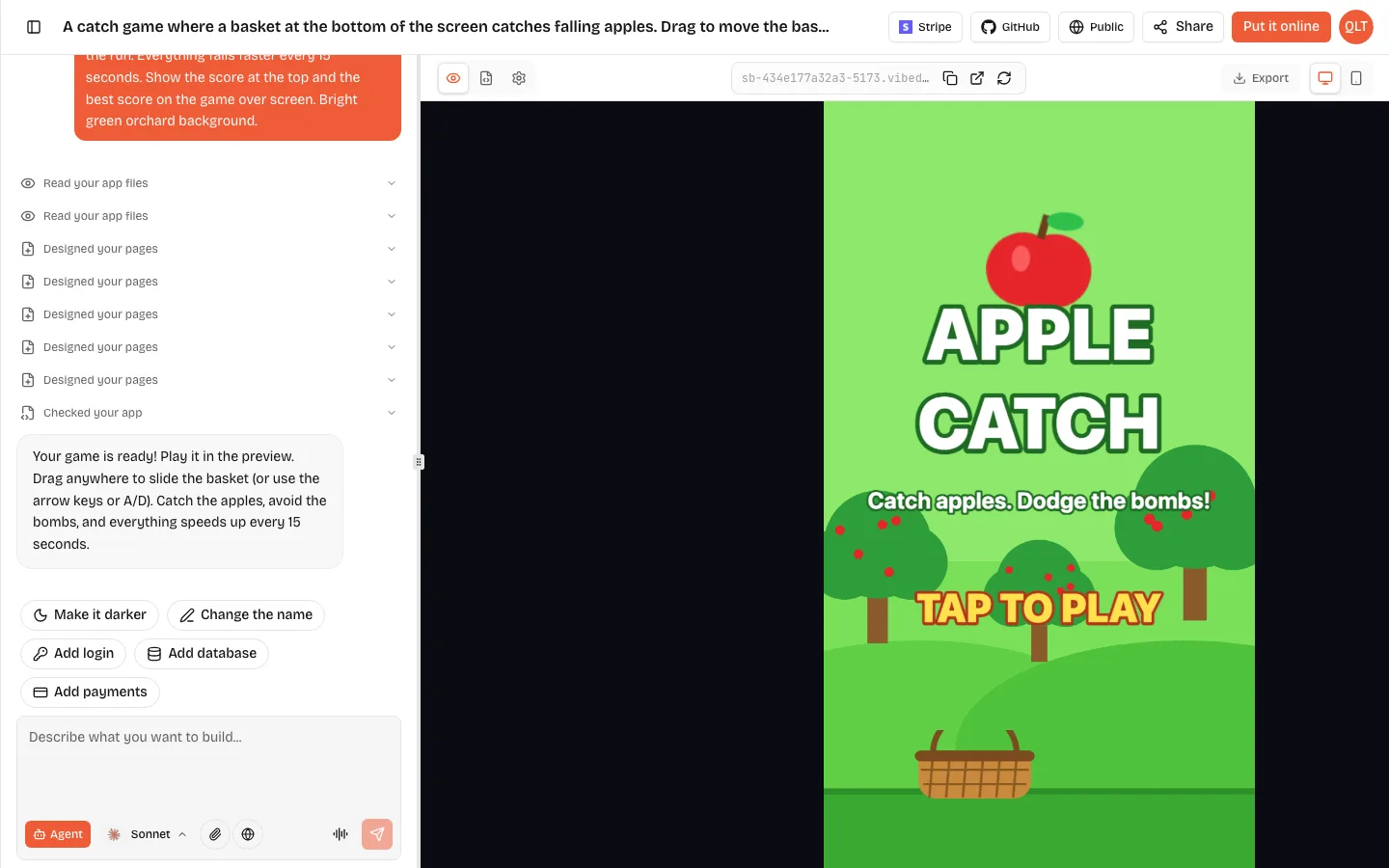
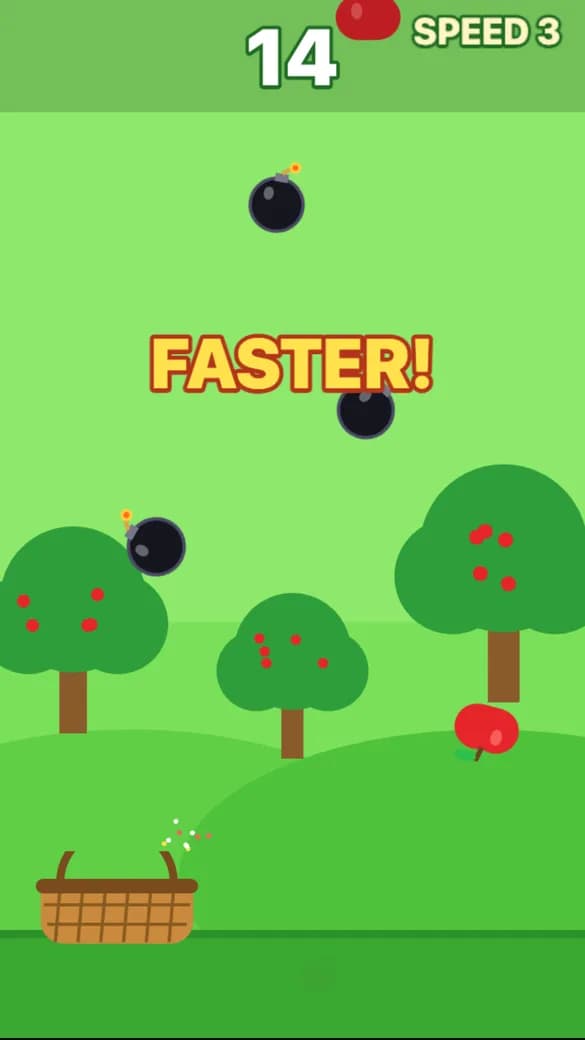
For a reference point, we ran a catch game prompt on VibeDream on 25 October 2026. It was playable in about 70 seconds, used 7 credits, and the AI added keyboard controls next to the drag controls we asked for. The full prompt and the screenshots are in our arcade game maker guide.
How to move a project off Rosebud AI
Rosebud games are browser games, and 2D ones are built with Phaser, so the logic travels well. The hard part is getting the code out.
- Check your plan. Code download is listed from Pro. If you are on a lower plan, you can still view the code in the browser on desktop from Indie Dev and copy the files you need.
- Save your assets. Download any sprites, sounds or models you generated, and check you have the rights to use them where you are going. Commercial rights start on 10x Dev.
- Write down the rules of your game in plain words: the goal, the controls, how difficulty rises, how scoring works. This is your best prompt for a new tool.
- Rebuild, do not port. With an AI builder it is often faster to describe the game again than to paste old code in. Attach a screenshot of the original so the AI matches the look.
- If you move to VibeDream, put the game online, then connect your own domain if you want the game on your own address.
Which Rosebud AI alternative should you pick?
If your game needs to live next to an app, on your own domain, with the code in your own GitHub, pick VibeDream. If you want an audience and a remix feed and do not care about the files, try Astrocade. If you want an app store release, learn GDevelop. If you want to learn programming, write Phaser by hand or start with Scratch. And if you love generated 3D art, Rosebud is still the specialist.